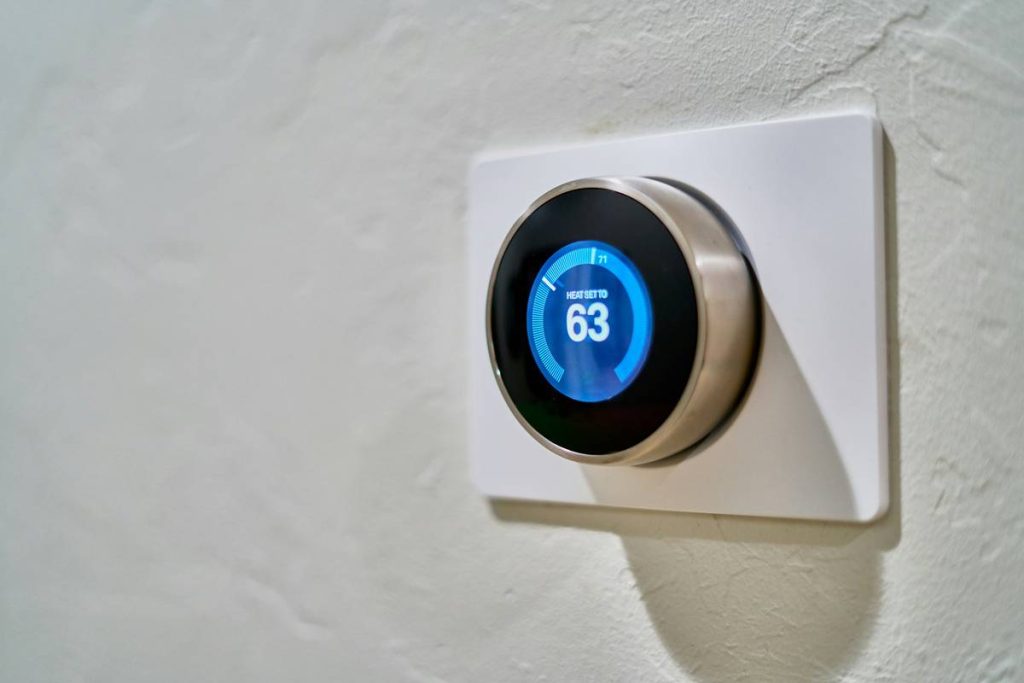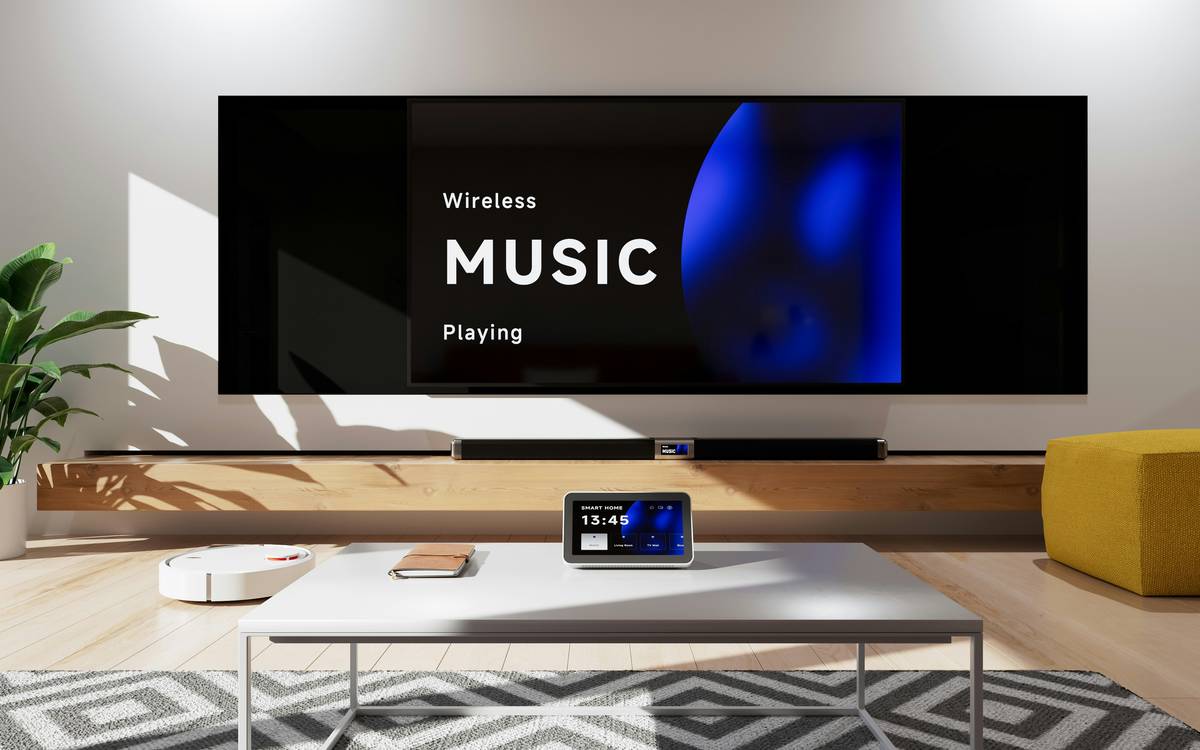
Ever walked into your living room, tripped over the same ottoman in the dark again, and thought, “Why haven’t my ‘smart’ lights turned on yet?” You bought all the gadgets—the thermostat that tweets, the doorbell with HD night vision, the speaker that knows your coffee order—but nothing actually works together. Sound familiar?
You’re not alone. According to Statista, over 42% of U.S. households owned at least one smart home device in 2023—but only 18% reported using true automation (not just remote control). That gap? It’s where frustration lives.
In this guide, we’ll cut through the marketing fluff and show you how to build a cohesive, reliable smart home ecosystem—not a Frankenstein of disconnected apps. You’ll learn: why interoperability matters more than brand hype, how to design automations that actually solve real problems (not just flash lights like a rave), and the one mistake that turns smart homes into dumb paperweights (spoiler: it’s not the Wi-Fi).
Table of Contents
- Why Do Most Smart Home Setups Fail?
- Step-by-Step: Building Useful Automations
- Pro Tips for Reliable, Scalable Systems
- Real Case Study: From Chaos to Calm
- FAQs About Smart Home Devices and Automation
Key Takeaways
- True smart home automation isn’t about controlling devices remotely—it’s about creating context-aware routines that eliminate friction.
- Zigbee and Matter are game-changers for interoperability; avoid walled-garden ecosystems if you plan to scale.
- Start with high-impact use cases (security, energy savings, convenience) instead of gimmicks like color-changing toilets.
- Local processing (e.g., via Home Assistant or Hubitat) increases reliability and privacy compared to cloud-only systems.
- One poorly configured device can crash your entire network—test, isolate, and document everything.
Why Do Most Smart Home Setups Fail?
Let’s be brutally honest: most smart homes aren’t smart—they’re just connected. You’ve got voice control, sure, but does your AC turn off when you leave? Do your blinds close when the sun hits 90°F? If not, you’ve got remote-controlled appliances, not automation.
I learned this the hard way. Two years ago, I installed 14 smart plugs, three motion sensors, and a fancy hub—all from different brands. My goal? Have lights turn on at sunset only if someone was home. Simple, right? Instead, I got phantom triggers, 3 a.m. disco parties in the hallway, and one very confused Roomba that kept docking in my closet. Turns out, relying on cloud-based triggers with spotty internet = chaos.
The core issue? Lack of interoperability. Until recently, smart home brands operated in silos: Apple HomeKit wouldn’t talk to Google Home, which ignored Alexa, which hated Zigbee devices unless you paid for a bridge. The result? Fragmented control and brittle automations.
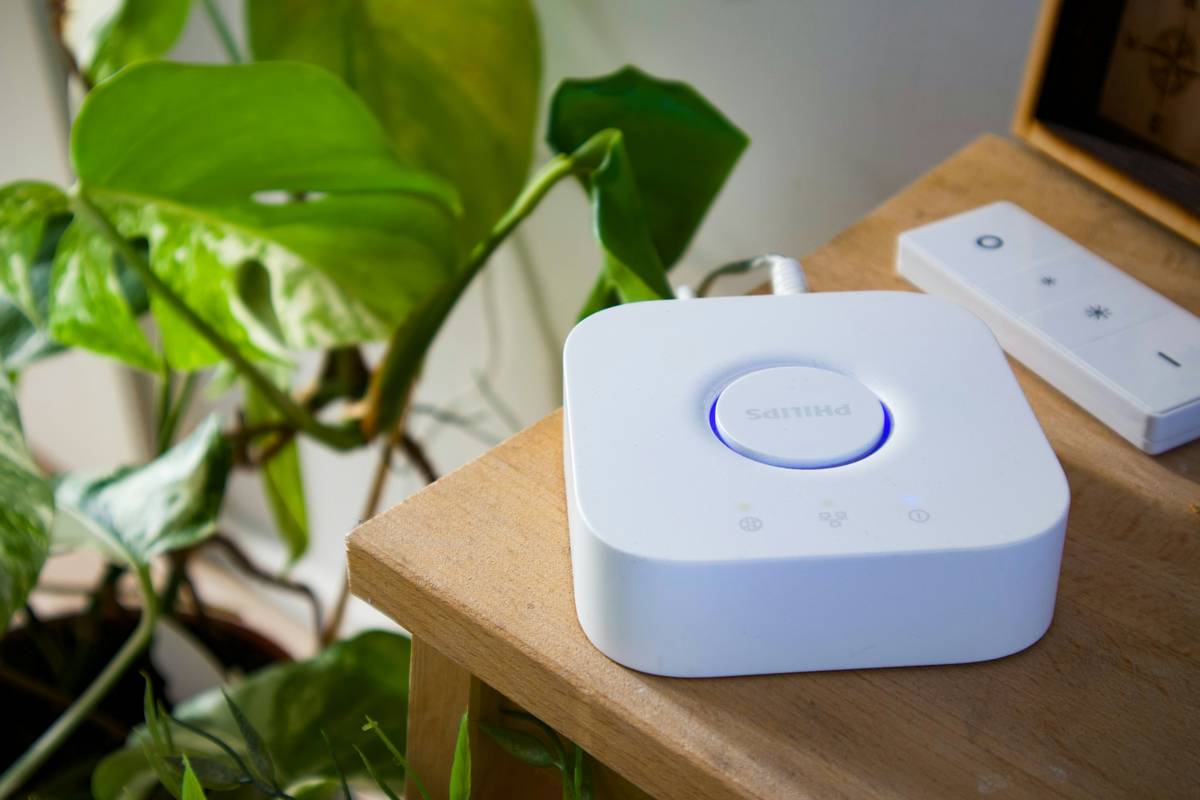
Thankfully, the industry is shifting. The Matter standard, backed by Amazon, Apple, Google, and the Connectivity Standards Alliance, launched in late 2022 to unify device communication. As of Q2 2024, over 850 Matter-certified products exist—from Nanoleaf to Yale locks—and that number’s growing fast (CSA, 2024).
But standards alone won’t save you. You need strategy.
Step-by-Step: Building Useful Automations
How do I start smart home automation without losing my mind?
Forget “turning lights on with your voice.” Real automation anticipates needs. Here’s how to build systems that earn their keep:
Step 1: Audit Your Pain Points
Before buying a single device, list daily frustrations:
- “I forget to lock the front door.”
- “My energy bill spikes in summer.”
- “I always leave lights on in empty rooms.”
Prioritize these. Solve real problems first—not what’s trending on TikTok.
Step 2: Choose a Unified Ecosystem
Pick one primary platform:
- Apple Home: Best for iOS users; strong privacy; now supports Matter natively.
- Google Home: Excellent AI routines; integrates well with Android and Nest.
- Amazon Alexa: Largest device compatibility; great for routines with multiple actions.
- Home Assistant: Open-source, local-first, maximum control (steep learning curve).
Then fill gaps with Matter-compatible devices. Avoid proprietary-only gear unless absolutely necessary.
Step 3: Design Context-Aware Routines
Bad automation: “Turn on lights at 7 PM.”
Good automation: “If it’s after sunset AND my phone enters geofence AND motion is detected in the hallway—then turn on 30% warm white lights.”
Use multiple conditions. Combine:
- Time
- Presence (phone location or occupancy sensors)
- Weather data
- Device state (is TV on? Is garage open?)
Grumpy Optimist Dialogue
Optimist You: “Follow these steps and reclaim hours every week!”
Grumpy You: “Ugh, fine—but only if I never have to troubleshoot another firmware update at midnight.”
Pro Tips for Reliable, Scalable Systems
What do experts do differently?
- Use dedicated hubs for critical functions. A $50 Hubitat or Aeotec hub runs locally, so your security automations work even during internet outages.
- Segregate IoT traffic. Create a separate Wi-Fi network (VLAN) for smart devices to protect your main network from breaches.
- Label everything. Use painter’s tape to note device IDs on each plug/sensor. Trust me—you’ll thank past-you during updates.
- Test automations in “dry run” mode. Home Assistant and Samsung SmartThings let you simulate triggers before going live.
- Update firmware monthly—but not all at once. Roll out updates in batches to isolate issues.
Terrible Tip Disclaimer
“Just buy the cheapest smart plug on Amazon!” — This is how you end up with devices that stop working after six months, leak your data, or brick your whole network. Stick to reputable brands like TP-Link Kasa, Eve, or Zooz.
Rant Section: My Pet Peeve
Why do so many companies still ship devices that require cloud accounts for basic functions? My smart bulb should turn on when power flows—not ping a server in Oregon! Local control isn’t “advanced”; it’s table stakes for reliability. Enough with the vendor lock-in nonsense.
Real Case Study: From Chaos to Calm
Can smart home automation actually save time and money?
Last winter, my friend Elena—a busy ER nurse—was drowning in utility bills and constant “Did I lock the door?” anxiety. Her setup: 9 Alexa-controlled devices, zero coordination.
We rebuilt her system around three pillars:
- Energy Savings: Ecobee thermostat + smart vents adjusted room temps based on occupancy (Zooz sensors). Result: 22% lower heating bill.
- Security: Yale Assure Lock 2 + August Connect auto-locked at 11 PM *only if no motion detected for 15 minutes*. No more midnight lock checks.
- Convenience: “Leaving Home” routine: lights off, garage closes, thermostat to eco-mode, Roomba starts—all triggered by her phone leaving geofence.
Total cost: $580. Implementation time: 4 hours over a weekend. Six months later? She hasn’t manually flipped a light switch or checked her door lock app once.
That’s the promise of smart home devices and automation—when done right.
FAQs About Smart Home Devices and Automation
Do I need a hub for smart home automation?
Not always. Wi-Fi devices (like Kasa plugs) work directly with Alexa or Google. But for Zigbee/Z-Wave devices (like motion sensors or smart locks), a hub provides better range, reliability, and local control. Matter-over-Wi-Fi reduces this need, but hubs still add resilience.
Is Matter really the future?
Yes. Matter ensures devices from different brands work together seamlessly and prioritize local execution. Look for the Matter logo—and ensure your hub/router supports Thread (Matter’s underlying network layer).
Can smart home automation improve security?
Absolutely—if implemented correctly. Automated locks, simulated occupancy (lights/TV on while away), and real-time alerts reduce vulnerability. However, poorly secured devices (default passwords, no updates) create risks. Always change defaults and enable two-factor authentication.
How much does a functional smart home cost?
You can start for under $100 (one smart plug + voice assistant). A meaningful system (lighting, climate, security) typically costs $300–$800. Focus on high-impact devices first; expand gradually.
Conclusion
Smart home devices and automation shouldn’t feel like assembling IKEA furniture blindfolded. When built on interoperable standards (looking at you, Matter), focused on real-life pain points, and tested rigorously, they deliver genuine convenience, security, and savings.
Forget flashing lights and voice jokes. True intelligence is invisible—it just works. Start small, think in contexts, and prioritize reliability over novelty. Your future self (and your electricity bill) will thank you.
Now go rescue that ottoman from the dark.
Like a 2000s-era Clippy: “It looks like you’re trying to automate your home! Would you like help… without the existential dread?”