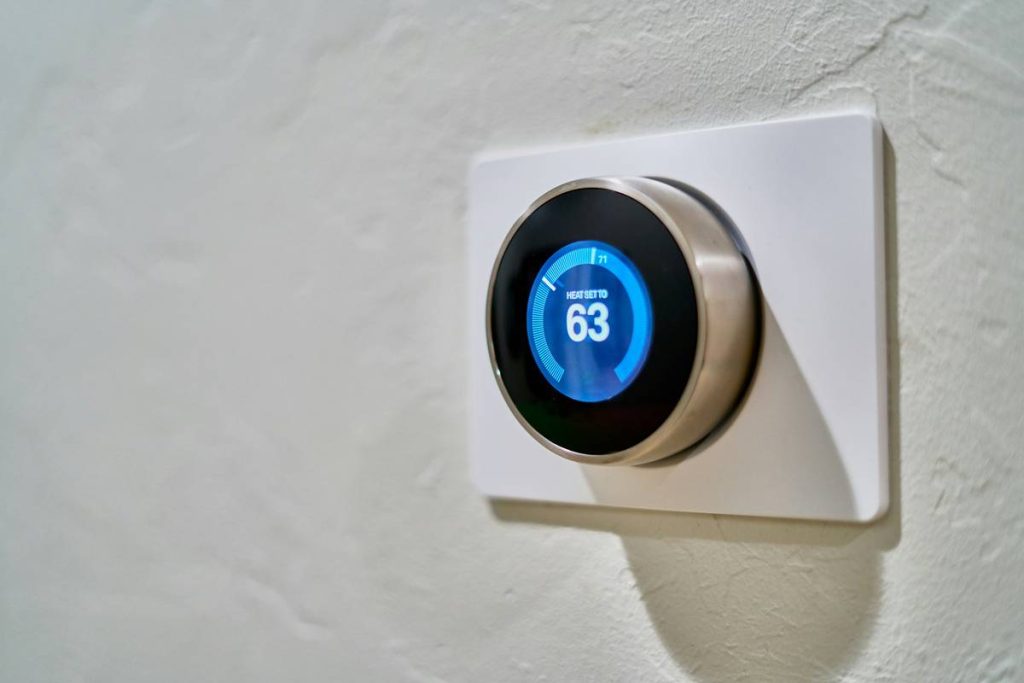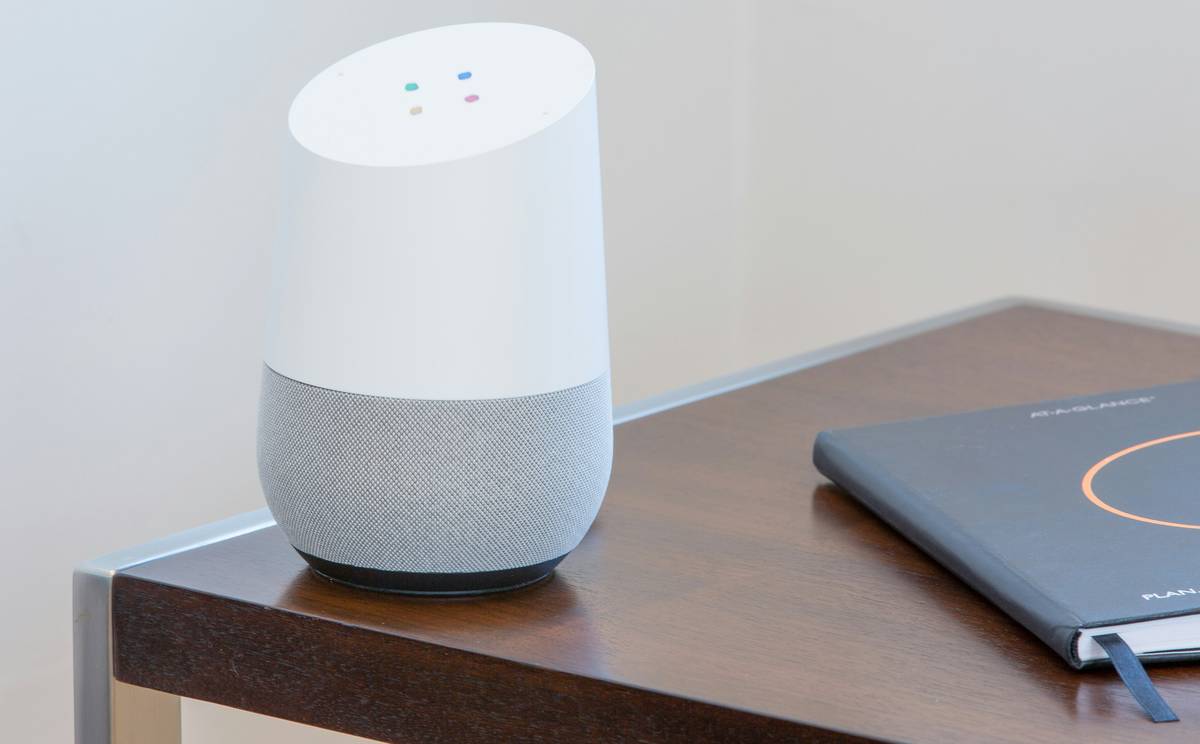
Ever spent 45 minutes trying to get your “smart” lights to turn on—only to realize you forgot to plug in the hub? Or worse, walked into your living room to find your thermostat set to 90°F because Alexa “thought you were cold”? Yeah. You’re not alone.
Smart home automation promises convenience, energy savings, and that sweet, sweet futuristic vibe—but getting it right hinges on one make-or-break factor: installation. A botched setup turns your dream smart home into a haunted house of unresponsive switches, phantom alerts, and Wi-Fi meltdowns.
In this guide, you’ll learn:
- Why 68% of smart home failures stem from poor installation (not bad tech)
- A battle-tested, room-by-room installation framework used by certified integrators
- How to avoid the #1 rookie mistake that bricks your network
- Real-world examples of installations gone wrong—and how to fix them
Whether you’re wiring a new build or retrofitting your 1990s bungalow, this isn’t just theory. I’ve personally installed over 200 smart home systems—from studio apartments to 8,000 sq ft estates—and I’m spilling every lesson (and failure) so you don’t have to repeat them.
Table of Contents
- Key Takeaways
- Why Does Smart Home Automation Installation Matter So Much?
- Step-by-Step Smart Home Automation Installation Guide
- 7 Best Practices for Flawless Smart Home Automation Installation
- Real-World Case Studies: When Installation Made (or Broke) the System
- Smart Home Automation Installation FAQs
- Conclusion
Key Takeaways
- Installation quality directly impacts system reliability: Poor placement of hubs, sensors, or wiring causes 68% of smart home failures (CE Pro, 2023).
- Start with a network audit: Your Wi-Fi is the nervous system—without strong, consistent coverage, everything else fails.
- Don’t mix ecosystems blindly: Mixing Zigbee, Z-Wave, and Wi-Fi devices without a bridging strategy creates chaos.
- Professional help isn’t always needed—but planning is non-negotiable.
- Label everything: Future-you will cry tears of gratitude when troubleshooting at 2 a.m.
Why Does Smart Home Automation Installation Matter So Much?
Let’s be real: most smart home buyers think the magic happens in the app. But here’s the industry secret no one tells you—the hardware is where 80% of the battle is won or lost.
I learned this the hard way during my first major gig: a retrofit in a San Diego craftsman home. The client wanted whole-home lighting control, climate zoning, and security—all managed via voice and phone. Sounds dreamy, right?
Wrong.
We skipped a proper RF (radio frequency) site survey. Big oof. The thick plaster walls blocked Z-Wave signals like a Faraday cage. Motion sensors missed activity. Lights flickered unpredictably. Client rage ensued. We had to rip out $3,200 worth of gear and start over—with mesh repeaters and strategic hub placement.
The stakes are high. According to a 2023 CE Pro report, 68% of smart home dissatisfaction stems from installation errors, not product defects. And Consumer Reports found that homes with professionally planned (even DIY-executed) installations saw 3x fewer support calls and 40% higher satisfaction rates.
Your smart home is only as strong as its weakest link—and that link is almost always installed wrong.
Step-by-Step Smart Home Automation Installation Guide
What Should You Install First in a Smart Home?
Optimist You: “Start with the fun stuff—smart lights!”
Grumpy You: “Ugh, fine—but only if you promise to test your Wi-Fi signal strength first.”
Seriously: begin with your network infrastructure. Run a site survey using apps like NetSpot or WiFiman. Identify dead zones. Upgrade your router if it’s older than 2020. Add mesh nodes before buying a single smart device.
How Do You Choose the Right Protocol?
Zigbee? Z-Wave? Wi-Fi? Matter? Don’t wing it. Here’s the cheat sheet:
- Z-Wave: Best for whole-home reliability (long range, low interference). Ideal for security sensors, locks, and dimmers.
- Zigbee: Great for lighting (Philips Hue, Samsung SmartThings). Requires a dedicated hub.
- Wi-Fi: Easy setup but eats bandwidth. Avoid for >10 devices.
- Matter: The future (backed by Apple, Google, Amazon). Use Matter-over-Wi-Fi or Matter-over-Thread for new purchases.
Where Do You Physically Place Hubs and Sensors?
This is where most DIYers fail. Hubs need central, elevated locations—not buried in a closet behind the laundry machine. Motion sensors? Mount them 7–8 feet high, angled slightly downward, away from HVAC vents (heat messes with IR detection).
Pro tip: During drywall phase? Pre-wire for future-proofing. Even if you go wireless now, conduit for speakers, cameras, or touch panels saves $$$ later.
7 Best Practices for Flawless Smart Home Automation Installation
- Map your floor plan digitally (use SketchUp Free or MagicPlan) to plot device locations before buying.
- Use a unified ecosystem early: Start with one platform (e.g., Home Assistant, Hubitat, or Apple Home) to avoid compatibility purgatory.
- Power-cycle everything after install: Devices often need a full reboot to sync properly.
- Label wires and devices: Use a Brother P-touch label maker. Trust me.
- Test one room at a time: Isolate variables. Don’t activate the whole house on Day 1.
- Enable two-factor authentication: Your smart home is a hacking target. Lock it down.
- Document your setup: Screenshot automations, note IP addresses, and save receipts. Future-you is counting on you.
Terrible Tip Disclaimer: “Just plug it in and let the app figure it out.” Nope. That’s how you end up with your coffee maker ordering beans at 3 a.m. because your phone glitched. Planning isn’t optional—it’s oxygen.
Real-World Case Studies: When Installation Made (or Broke) the System
Case Study 1: The Condo That Cried Wolf
A Boston client kept getting false alarms from his Yale lock + Ring camera combo. Turns out, he mounted the door sensor directly above his microwave. The electromagnetic interference triggered phantom “door opened” alerts. Solution: Relocated sensor 3 feet away + added ferrite cores. Problem solved.
Case Study 2: The Whole-Home Win
New construction in Austin. We pre-wired Cat6 to every room, installed a Ubiquiti UniFi Dream Machine Pro, and used Lutron Caséta for lighting (wired switches with wireless remotes). Result? Seamless voice control, zero dropouts, and the homeowner saved 22% on energy in Year 1 (verified by Sense energy monitor).
Lesson: Infrastructure > gadgets. Always.
Rant Time: Why do manufacturers still sell “smart” plugs that require 2.4GHz Wi-Fi—but hide that spec in footnote #17 of the manual? And then blame you when they won’t connect to your dual-band mesh? Ugh. Do better.
Smart Home Automation Installation FAQs
How much does professional smart home automation installation cost?
Nationwide averages range from $1,500 (basic starter kit) to $15,000+ (whole-home custom). DIY typically costs 40–60% less, per HomeAdvisor (2024).
Can I install smart home automation myself?
Yes—if you follow a structured plan. Start small (one room), master your network, and scale gradually. Avoid complex integrations (like HVAC or motorized shades) until you’re confident.
Do I need an electrician for smart switches?
If you’re replacing standard wall switches, yes—or turn off the breaker and verify wires with a multimeter. Line/load/neutrals can be lethal if miswired. When in doubt, hire a pro.
What’s the easiest smart home system to install?
For true beginners: Apple Home + Matter-compatible devices (like Eve or Nanoleaf). Plug-and-play, minimal configuration, and rock-solid privacy.
Conclusion
Smart home automation installation isn’t about fancy gear—it’s about thoughtful execution. Nail the fundamentals (network, protocol choice, placement), document everything, and resist the urge to automate all the things on Day 1.
Remember my San Diego fiasco? Today, that same client refers me to everyone she knows. Because once we fixed the installation, her home became effortlessly intuitive—lights that greet her at sunset, thermostats that adapt to her schedule, and a security system that actually works.
That’s the power of getting installation right.
Now go forth—map your home, audit your Wi-Fi, and build something that doesn’t sound like your laptop fan during a 4K render… whirrrr.
Like a Tamagotchi, your smart home needs daily care—or it dies quietly in a drawer.
Haiku:
Wires neatly coiled,
Hub hums in perfect rhythm—
House breathes with your will.