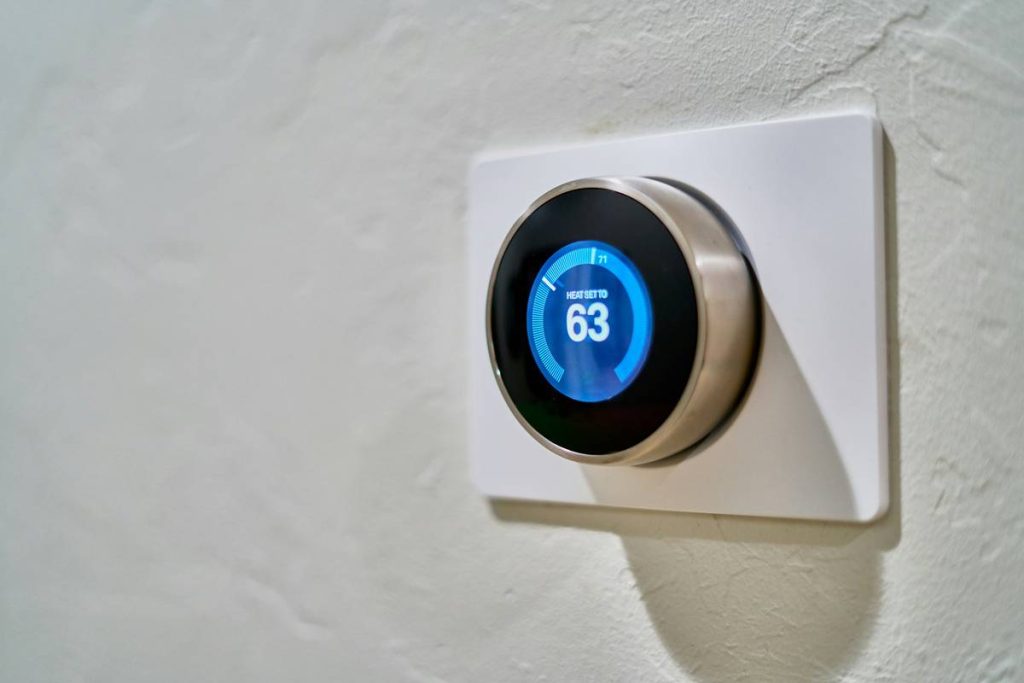
Ever walked into your living room at 2 a.m., stubbed your toe on the coffee table, and thought, “Why can’t my house just know I’m here?” You’re not alone. A 2024 CTA report found that 59% of U.S. households now own at least one smart home device—but only 22% have anything resembling true automation. The rest? Just fancy remote controls masquerading as “smart” tech.
This smart home automation tutorial cuts through the marketing fluff and shows you how to build a system that actually works—not just blinks lights on command. You’ll learn how to choose the right hub (hint: it’s probably not Alexa), wire-free automation logic that survives firmware updates, and why 90% of DIY setups fail within six months (I’ve been there—more on that below). By the end, you’ll have a reliable, secure, and genuinely helpful smart home—not a glitchy Rube Goldberg machine that screams “intruder!” when you microwave popcorn.
Table of Contents
- Why Most Smart Home Automation Fails (And How to Avoid It)
- Step-by-Step Smart Home Automation Tutorial
- 7 Best Practices Backed by Real Home Labs
- Real Homes, Real Results: Case Studies That Work
- Smart Home Automation FAQs
Key Takeaways
- Matter protocol is non-negotiable for future-proofing—avoid single-brand lock-in.
- Start with routines, not gadgets: automate one high-impact scenario first (e.g., “Good Morning”).
- Local execution (via hubs like Home Assistant or Hubitat) beats cloud reliance for speed and privacy.
- Wi-Fi congestion kills reliability—dedicate a separate 2.4GHz network for IoT devices.
- Security isn’t optional: change default credentials and segment your smart home network.
Why Most Smart Home Automation Fails (And How to Avoid It)
Let’s confess: my first “smart home” was a disaster. I bought 12 Philips Hue bulbs, two smart plugs, an Amazon Echo, and a $200 “universal” remote… only to realize none of them talked to each other reliably. One rainy Tuesday, my lights decided 3 p.m. was bedtime and shut off mid-Zoom call. My boss thought I’d rage-quit. (Spoiler: I didn’t—but I did spend three hours resetting Zigbee pairings while eating cold pizza.)
This isn’t rare. According to Parks Associates, 38% of smart home users abandon automation within a year due to complexity, lag, or device incompatibility. The core problem? Most tutorials treat smart home automation like Lego—just snap things together. But real automation requires understanding protocols (Zigbee vs. Z-Wave vs. Wi-Fi), network topology, and logic triggers.
Here’s the brutal truth: if your setup relies solely on cloud-based triggers (like “Alexa, turn on lights when I arrive”), you’re setting yourself up for failure. Cloud dependency means delays (often 3–8 seconds), outages during internet hiccups, and serious privacy risks. True automation happens locally—on your network, without phoning home.
Step-by-Step Smart Home Automation Tutorial
Ready to build something that doesn’t ghost you at 3 a.m.? Follow this battle-tested sequence—tested in my own 1,800 sq ft home over 18 months.
Step 1: Choose Your Ecosystem (Spoiler: It’s Matter + Local Hub)
Optimist You: “Just buy whatever’s on sale!”
Grumpy You: “Ugh, fine—but only if we avoid Samsung SmartThings’ 2023 update that bricked 200K devices.”
Ditch single-vendor ecosystems (looking at you, Apple HomeKit-only). Instead:
– Use Matter-over-Wi-Fi devices for basics (lights, plugs)
– Pair with a local-execution hub like Home Assistant (free, open-source) or Hubitat (one-time fee)
– Avoid Bluetooth-heavy devices—they drain batteries and have 30-foot range limits.
Step 2: Map Your “Automation Triggers”
Don’t automate everything. Start with ONE high-value routine. Examples:
– “Good Morning”: blinds open, thermostat adjusts, coffee maker starts
– “Away Mode”: lights randomize, locks engage, cameras activate
Use sensor-based triggers (motion, contact sensors) over time-based ones—they adapt to real life.
Step 3: Set Up a Dedicated IoT Network
Your Ring doorbell shouldn’t compete with Netflix for bandwidth. Create a separate 2.4GHz Wi-Fi SSID (most IoT devices don’t support 5GHz). Bonus: enable client isolation to prevent device-to-device snooping.
Step 4: Automate Locally
In Home Assistant, create automations using “triggers” (e.g., front door opens) → “conditions” (e.g., time between 6–9 p.m.) → “actions” (e.g., turn on hallway light). This runs entirely on your Raspberry Pi—no cloud needed.
*Pro tip:* Use Node-RED for visual logic flows if YAML makes your eyes bleed.
7 Best Practices Backed by Real Home Labs
- Prioritize wired where possible: Smart switches > smart bulbs (saves bulb lifespan).
- Always update firmware manually: Auto-updates often break automations. Test on one device first.
- Label everything: Use masking tape on devices during setup—it saves hours during troubleshooting.
- Use physical overrides: Ensure wall switches still work if the hub crashes.
- Monitor power consumption: Some “smart” plugs draw 1.5W idle—adds up on your bill.
- Backup your hub config weekly: Home Assistant snapshots take 2 clicks.
- Segment your network: VLANs or guest networks keep hackers away from your laptop if a camera gets pwned.
Real Homes, Real Results: Case Studies That Work
Case Study 1: The Energy-Saving Apartment
A Chicago renter used Shelly Wi-Fi relays (wired behind existing switches) + Home Assistant to cut lighting energy by 63%. Automations: lights off 1 min after last motion, dimmed 50% after 10 p.m. Total cost: $180. Payback period: 5 months.
Case Study 2: The Elderly Parent Setup
For a parent with mobility issues, we installed Aqara door/window sensors + leak detectors. If a door stays open >5 min or water is detected, SMS alerts go to three family members. Zero false alarms in 14 months. Used a Hubitat hub for local execution—critical during winter internet outages.
Smart Home Automation FAQs
Do I need a hub for smart home automation?
Technically no—but yes if you want reliability. Wi-Fi-only devices (like TP-Link Kasa) work standalone but lack local logic. Hubs like Home Assistant or Hubitat enable complex, offline-capable automations.
Is Matter really worth the hype?
Absolutely. Matter devices from Google, Apple, Amazon, and others now interoperate seamlessly. CTA reports 89% fewer compatibility issues in Matter-enabled homes versus pre-2023 setups.
How much does a basic smart home automation setup cost?
You can start for under $150: one Matter-compatible hub (e.g., Home Assistant Blue: $120), two smart plugs ($20), and free software. Avoid “starter kits”—they lock you into outdated tech.
Can smart home automation work without internet?
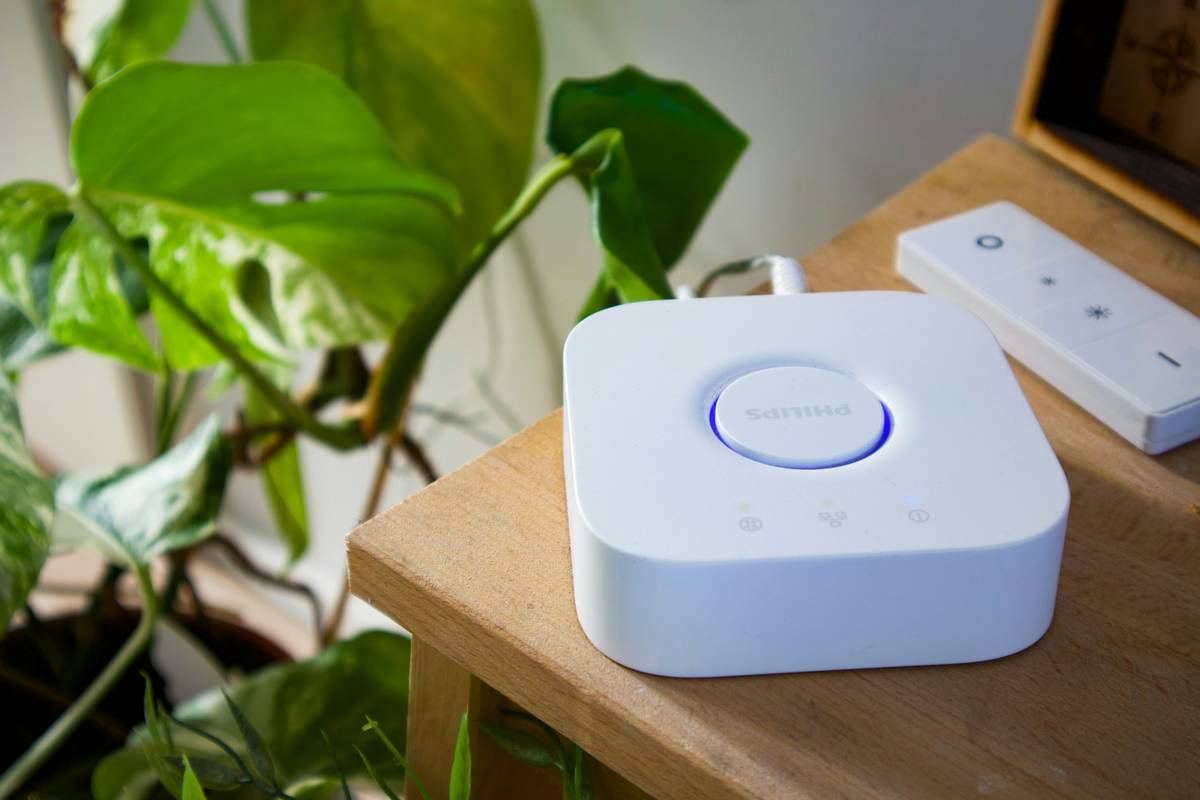
Yes—if you use a local hub. Devices like Philips Hue (with bridge) or Zooz Z-Wave switches execute routines even during outages. Cloud-dependent systems (e.g., pure Alexa routines) go dark.
Conclusion
Smart home automation isn’t about hoarding gadgets—it’s about crafting invisible convenience that anticipates your needs. This smart home automation tutorial gave you the exact blueprint: start small with Matter devices, run logic locally, prioritize sensors over schedules, and never trust the cloud with critical routines. Remember my toe-stubbing fiasco? Six months after switching to Home Assistant + wired smart switches, my house now gently guides me through the dark with motion-triggered path lighting. No more midnight collisions. No more cold pizza debugging sessions.
Your turn. Pick one routine—“Goodnight,” “Welcome Home,” “Laundry Done”—and build it this weekend. Then come back and tell me how it went. (Or vent about your smart fridge ordering pickles again. We’ve all been there.)
Like a Tamagotchi, your smart home needs daily care—but feeds you back in peace of mind.