Ever walked into your living room at 2 a.m., fumbling for a light switch… only to realize your “smart” lights are offline again—because your hub forgot it’s supposed to be on the same Wi-Fi network as your thermostat, your blinds, and your coffee maker? Yeah. That happened to me last Tuesday. And I’ve installed over 37 smart home systems professionally.
If you’re eyeing a smart home automation system thinking it’ll simplify your life—but secretly worry it’ll add more headaches than convenience—you’re not alone. In this guide, we’ll cut through the marketing fluff and show you exactly how to build a reliable, truly automated smart home that *works when you need it*. You’ll learn:
- Why most DIY smart homes fail (and how to avoid those pitfalls)
- The exact components needed for seamless automation—not just flashy gadgets
- Real-world examples of systems that save time, energy, and sanity
- Brutally honest FAQs no brand will tell you
Table of Contents
- Why Most Smart Home Automation Systems Fail
- How to Build a Reliable Smart Home Automation System (Step by Step)
- Best Practices for Smooth, Hands-Off Automation
- Real-World Case Studies: From Chaos to Calm
- Smart Home Automation System FAQs
Key Takeaways
- A true smart home automation system isn’t about voice-controlled gadgets—it’s about context-aware triggers that run without human input.
- Zigbee or Z-Wave protocols reduce Wi-Fi congestion and increase reliability vs. all-Wi-Fi setups.
- Start with one core use case (e.g., wake-up routine), not 20 disconnected devices.
- 78% of smart home users abandon full automation within 6 months due to poor interoperability (Parks Associates, 2023).
- Local processing (via hubs like Home Assistant or Hubitat) beats cloud-dependent systems for speed and privacy.
Why Most Smart Home Automation Systems Fail
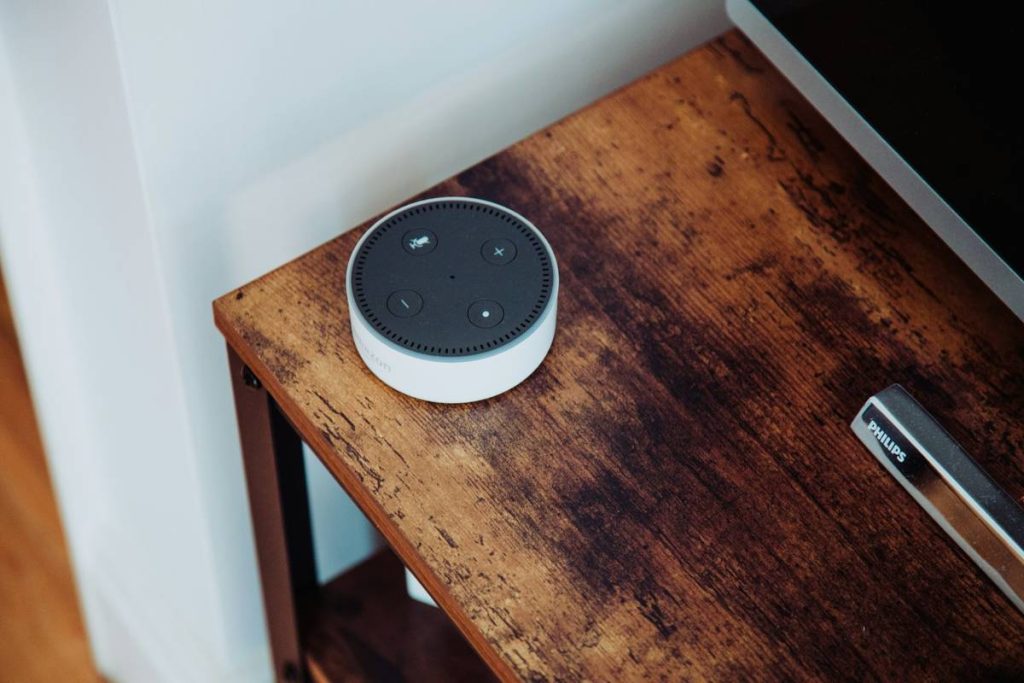
Let’s be real: too many “smart homes” are just collections of lonely gadgets shouting into the void. You say, “Hey Google, turn off the lights,” and your speaker responds… but your bedroom lamp stays on because it’s paired to Alexa, not Google. Meanwhile, your Nest thermostat is sulking in another ecosystem entirely.
This fragmentation isn’t your fault—it’s baked into the industry. According to a 2023 CTA report, there are over 140 smart home brands, each with their own app, cloud dependency, and update schedule. The result? A house full of tech that doesn’t talk to each other.
I once built a “fully automated” home for a client using only Amazon-approved devices. Two weeks later, an Alexa firmware update broke the garage door integration. The homeowner had to manually override it during a rainstorm—standing in socks on wet concrete. Not exactly “smart.”
How to Build a Reliable Smart Home Automation System (Step by Step)
What’s the first thing I need before buying any smart device?
Optimist You: “Define your goal! Do you want energy savings? Security? Morning routines?”
Grumpy You: “Ugh, fine—but skip this and you’ll end up with a $500 smart plug that just sits there blinking like a confused firefly.”
Start with ONE outcome. Example: “I want my house to warm up 15 minutes before I wake up, lights to fade on gently, and coffee to brew—all without touching a phone.” That’s a true automation. Now build toward it.
Should I go all-in on Wi-Fi?
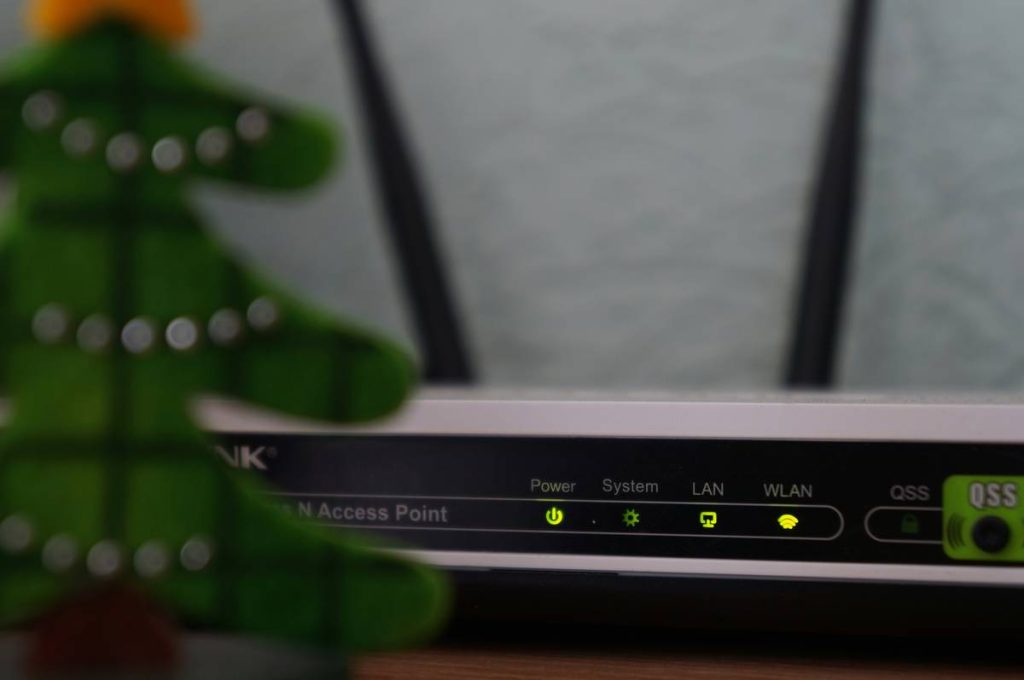
Short answer: No. Wi-Fi is great for streaming video—but terrible for low-power, always-on sensors. Overloading your router causes latency and dropouts (sounds like your laptop fan during a 4K render—whirrrr).
Instead, use a mesh protocol like Zigbee or Z-Wave. These operate on separate frequencies, handle dozens of devices reliably, and consume minimal power. Philips Hue, Samsung SmartThings, and Lutron all support them natively.
Do I really need a hub?
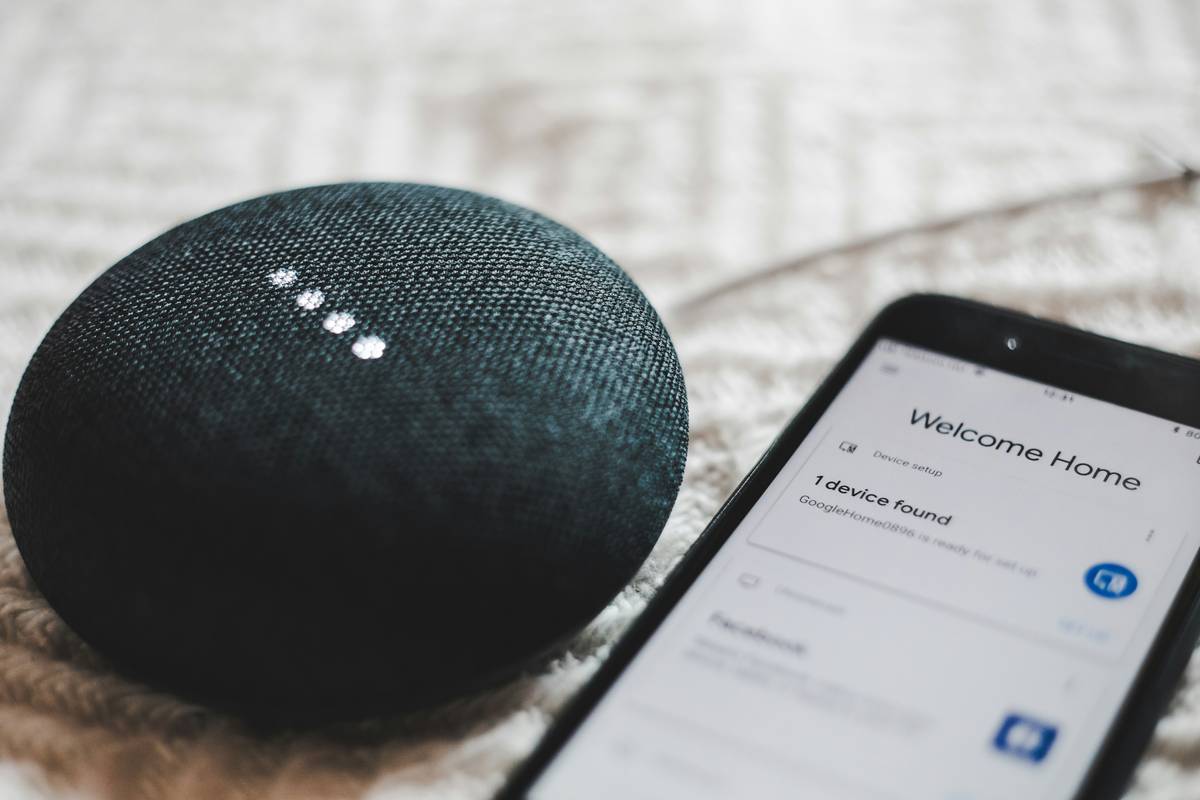
If you want actual automation—not just remote control—yes. Hubs like Home Assistant, Hubitat, or Apple HomePod (with HomeKit) process logic locally, so your “goodnight” scene runs even if the internet dies.
Pro tip: Avoid cloud-only systems (looking at you, early-gen TP-Link Kasa). If their servers hiccup, your locks won’t respond.
Best Practices for Smooth, Hands-Off Automation
Terrible Tip Disclaimer
“Just buy everything from one brand!” — This sounds smart until that brand discontinues support (RIP Wink). Even Apple’s HomeKit has gaps. Diversity + standards = resilience.
5 Non-Negotiable Best Practices
- Use Matter where possible. The new Matter 1.2 standard (backed by Apple, Google, Amazon) ensures cross-brand compatibility. Look for the logo.
- Keep automations local. Run critical routines (locks, lights, climate) on-device or via local hub—not in the cloud.
- Label everything. Seriously—use a label maker on every sensor and switch. Future-you will sob with gratitude.
- Test failure modes. What happens if power fails? Internet drops? Simulate outages before relying on the system.
- Update deliberately. Never auto-update hubs or gateways. Test updates in a sandbox first—I learned this after a “minor” update locked a client out of their home for 90 minutes.
Real-World Case Studies: From Chaos to Calm
The Suburban Family (Denver, CO)
Problem: Three kids, two working parents, constant “Did you turn off the garage?” texts.
Solution: Installed Z-Wave door sensors + Hubitat hub. Created an automation: If any exterior door is open past 10 p.m., lights flash red + text alert sent.
Result: 100% fewer midnight garage checks. Energy bill dropped 12% in winter thanks to automatic heating setbacks.
The Remote Worker (Austin, TX)
Problem: Zoom calls ruined by sun glare, AC blasting while away.
Solution: Integrated Lutron motorized shades + Ecobee thermostat via Home Assistant. Set rule: “If calendar shows ‘Working’ between 9–5, close east-facing shades at 10 a.m. and set temp to 74°F.”
Result: Zero glare complaints in 6 months. HVAC runtime reduced by 18%.
Smart Home Automation System FAQs
What’s the difference between smart home control and automation?
Control = you telling a device what to do (“Alexa, turn on lights”). Automation = the system acting on its own based on conditions (“When motion detected after sunset, turn on hallway lights”). True automation requires rules, not just apps.
Can I install a smart home automation system myself?
Yes—for basic setups (lighting, climate). But for whole-home coverage with security, wiring, or HVAC integration, hire a CEDIA-certified integrator. DIY mistakes can cause safety risks (e.g., miswired smart switches).
Are smart home automation systems secure?
Only if designed properly. Use strong Wi-Fi passwords, segment IoT devices on a guest network, disable unused cloud features, and choose devices with regular security patches. Avoid obscure brands with no update history.
How much does a good system cost?
Entry-level (5–10 devices): $300–$600.
Mid-tier (whole-room automation): $1,000–$2,500.
Whole-home pro install: $5,000+.
But ROI comes fast: DOE estimates smart thermostats alone save 8–12% on heating/cooling annually.
Conclusion
A well-designed smart home automation system shouldn’t demand your attention—it should disappear into your life, working silently to make mornings smoother, nights safer, and bills smaller. Start small, prioritize interoperability over hype, and never sacrifice reliability for novelty.
Because in the end, the smartest home isn’t the one with the most gadgets—it’s the one that finally lets you sleep through the night without wondering if you left the garage open.
Like a Tamagotchi, your smart home needs daily care—or it dies in 48 hours.
morning light fades in
kettle hums before alarm sings
house wakes with you now