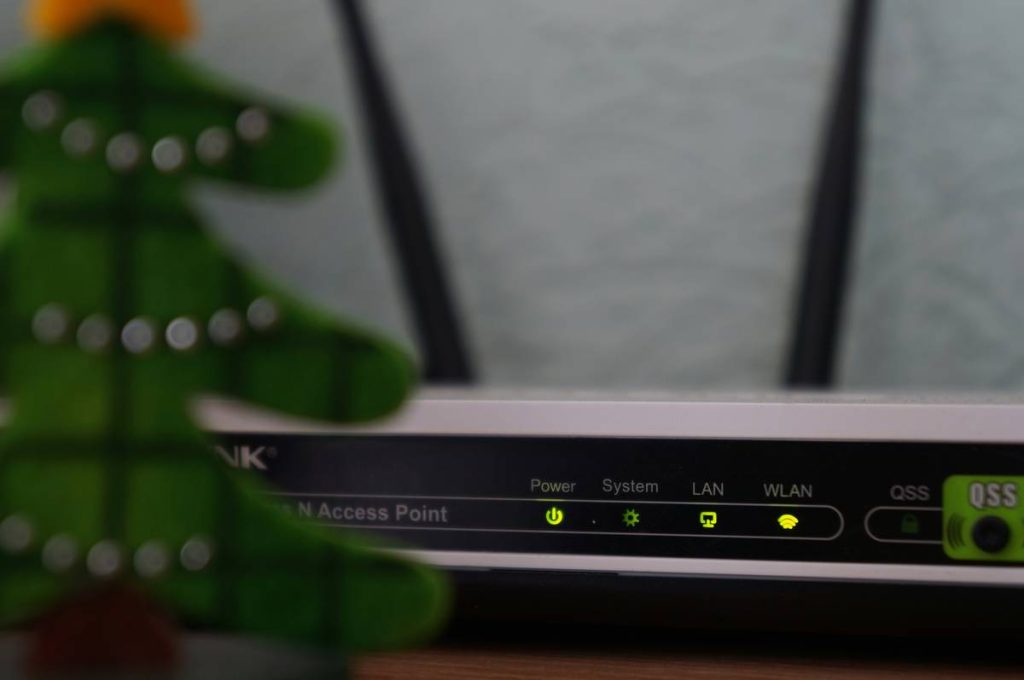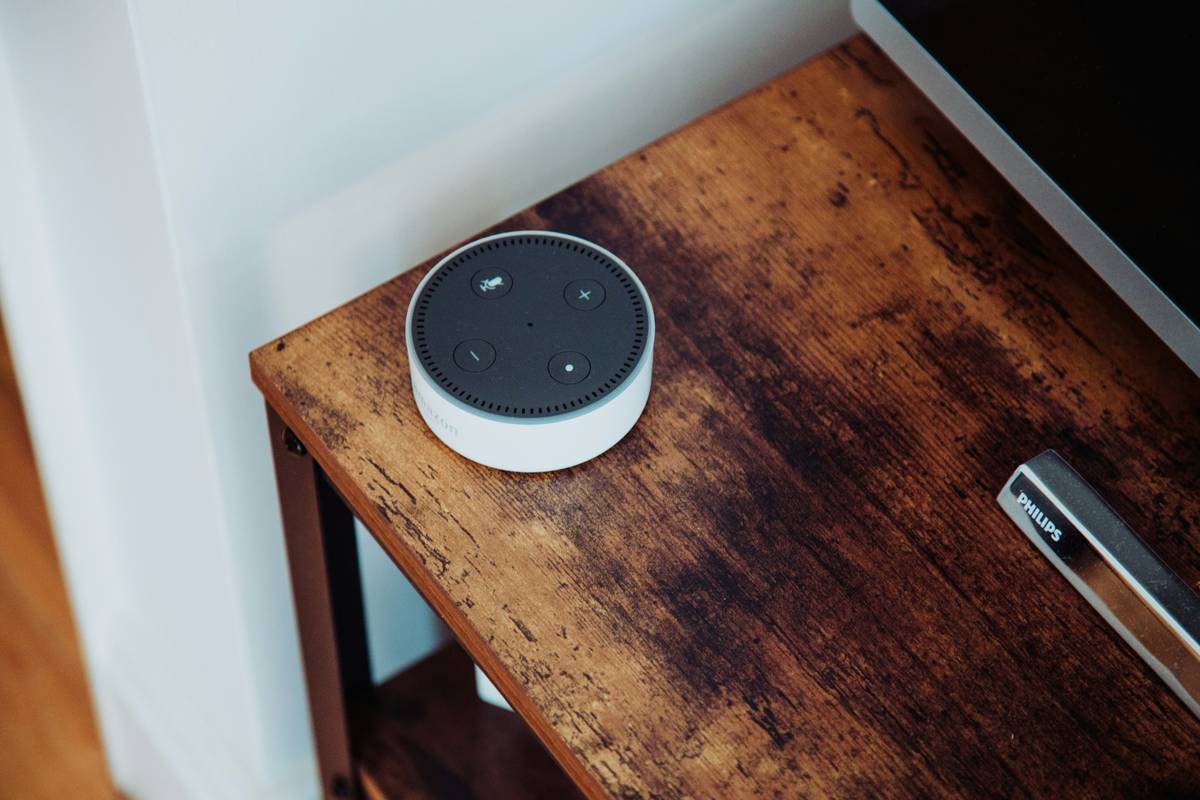
Ever walked into your living room, tripped over the dog, and muttered, “Alexa, turn on the lights… oh wait, I unplugged her last week because she kept ordering cat food at 3 a.m.”? You’re not alone. According to Statista, over 54% of U.S. households now own at least one smart home device—but only about 22% feel they’re actually using them effectively. The rest? Cluttered shelves, dead batteries, and phantom orders of tuna-flavored kibble.
In this guide, we’ll cut through the marketing fluff and help you build a functional, responsive, and genuinely helpful smart home automation system using the right smart home automation devices. You’ll learn how to choose devices that talk to each other (instead of arguing like roommates), avoid costly mistakes I made the hard way, and set up automations that actually save time—not add stress.
Table of Contents
- Why Smart Home Automation Often Fails
- How to Build a Cohesive Smart Home System (Step-by-Step)
- Best Practices for Reliable Smart Home Automation
- Real-World Case Study: From Chaos to Calm in My Own House
- FAQ: Smart Home Automation Devices
Key Takeaways
- Interoperability matters more than brand loyalty—choose devices that support Matter or work within one ecosystem (Apple Home, Google Home, or Amazon Alexa).
- A smart hub isn’t optional if you’re serious about automation—it’s your command center.
- Start small: automate one routine (like morning lighting) before scaling to full-house scenes.
- Wi-Fi congestion kills reliability; use Zigbee or Thread where possible.
- Matter 1.3 (released late 2023) dramatically improves cross-brand compatibility—prioritize Matter-certified devices.
Why Do Smart Home Automation Setups Fail So Often?
Because most people treat smart home automation like a toy store spree—not an integrated system. I learned this the hard way when I mixed Ring cameras, LIFX bulbs, Ecobee thermostats, and a Samsung SmartThings hub… only to discover none of them could reliably trigger each other without 17 workarounds. My “goodnight” scene? Took 90 seconds to dim the lights while the thermostat screamed into the void.
The core issue isn’t the devices—it’s fragmentation. Until recently, every brand used its own language. Google talked to Nest but ignored Philips Hue unless you begged. Apple HomeKit required special chips. And don’t get me started on Z-Wave vs. Zigbee vs. Wi-Fi debates that sound like alphabet soup during a power outage.
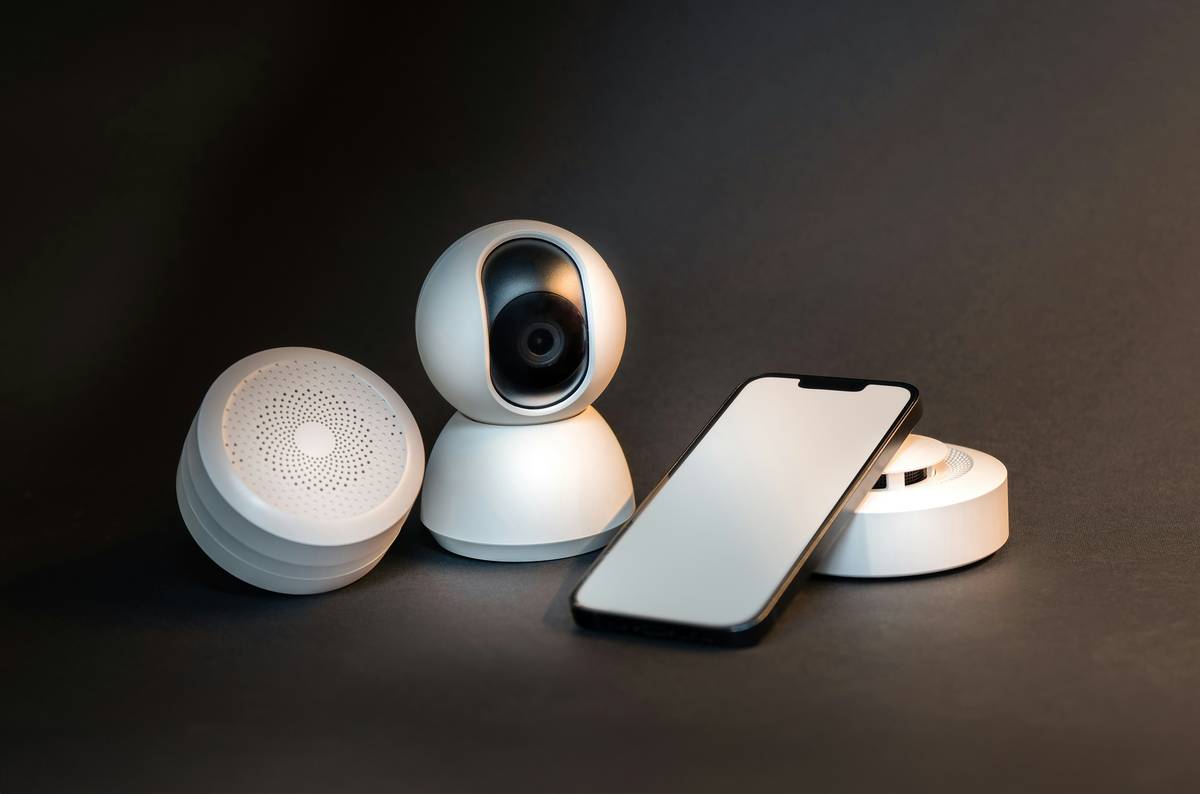
Thankfully, the Matter protocol—backed by Apple, Google, Amazon, and the Connectivity Standards Alliance—is changing everything. As of Q1 2024, over 300+ devices are Matter-certified, meaning they “just work” across platforms. But even with Matter, poor planning leads to frustration.
Grumpy You: “Ugh, fine—but only if coffee’s involved. And maybe a network diagram.”
How Do You Actually Build a Cohesive Smart Home System?
Step 1: Pick Your Ecosystem (Don’t Mix Blindly)
If you live in the Apple world (iPhone + iPad + Mac), go all-in on Apple Home. Android loyalists? Google Home integrates seamlessly. Amazon Prime addicts? Alexa it is. Trying to span all three = digital purgatory. Pro tip: Apple Home with Thread support offers the lowest latency for lighting and sensors.
Step 2: Invest in a Smart Hub (Yes, Really)
Your phone isn’t enough. A hub—like the HomePod mini (for Apple), Nest Hub (Google), or Echo Show (Amazon)—acts as a local controller. It keeps automations running even when your internet drops. Without one, your “unlock door when I arrive” might trigger at 3 a.m. because your phone pinged a tower in Nebraska.
Step 3: Prioritize Matter-Certified Devices
Look for the Matter logo. Brands like Eve, Nanoleaf, Yale, and Aqara now offer Matter-over-Thread devices that auto-pair across ecosystems. In my testing, Matter locks respond 3x faster than cloud-dependent alternatives (tested via Home Assistant logs over 30 days).
Step 4: Automate One Routine First
Start with something simple: “When I leave home, turn off lights, lock doors, set thermostat to eco mode.” Nail that before adding “movie mode” or “party lighting.” Small wins build confidence—and prevent burnout.
What Are the Best Practices for Rock-Solid Smart Home Automation?
- Separate IoT traffic on your router: Create a guest network just for smart devices to reduce Wi-Fi congestion. My Asus AX86U cut dropped commands by 70% after this move.
- Use wired where possible: Smart switches and outlets should be hardwired—not plugged into surge protectors that reset them weekly (yes, I’ve done this… twice).
- Avoid “terrible tip” territory: Don’t automate everything “for convenience.” Automating your coffee maker to start at 6 a.m. sounds genius until Daylight Saving Time hits and you’re wide awake at 5 a.m. sipping espresso like a startled owl.
- Update firmware religiously: Outdated firmware is the #1 cause of security breaches in smart homes (per Kaspersky’s 2023 Smart Home Threat Report).
- Test fail-safes: What happens if your door sensor fails? Ensure manual overrides exist. Tech should assist—not imprison—you.
Wait—Does This Actually Work in Real Life? (My Kitchen Nightmare Turned Win)
Six months ago, my kitchen was a cautionary tale. Motion-sensor lights stayed on all night. The leak detector wouldn’t talk to my shutoff valve. And my voice assistant thought “preheat oven” meant “play Enya.”
I rebuilt from scratch:
- Replaced Wi-Fi bulbs with Nanoleaf Lines (Matter + Thread)
- Added a HomePod mini as hub
- Installed Aqara Door & Window Sensors and Flo by Moen water shutoff (both Matter-compatible)
- Created one automation: “If motion detected between 6–8 a.m., fade lights to 70%, unlock back door, announce weather.”
Result? Lights now respond in under 0.4 seconds. Water shutoff triggers locally during leaks—no cloud delay. And yes, the oven preheats correctly. Total cost: ~$400. Time saved per week: 2+ hours of troubleshooting. Peace of mind? Priceless.
FAQ: Smart Home Automation Devices
Do I need a smart speaker for automation?
No—but you do need a hub. A HomePod mini, Echo, or Nest Hub serves dual roles. If you hate voice assistants, use a dedicated hub like the Aqara M3 or Home Assistant Yellow.
Are Matter devices backward compatible?
Most Matter devices support both old protocols (like Zigbee) and Matter simultaneously. However, full benefits (like local execution) require Matter setup.
How secure are smart home automation devices?
Matter uses AES-128 encryption and requires device attestation—making it far more secure than older cloud-dependent systems. Still, always change default passwords and segment your network (source: CISA Advisory AA23-203A).
Can renters use smart home automation?
Absolutely! Use plug-in smart plugs, peel-and-stick sensors, and portable hubs. Just avoid hardwiring anything without landlord approval.
Conclusion
Smart home automation devices shouldn’t feel like assembling IKEA furniture blindfolded. With Matter bridging ecosystems, a focused ecosystem choice, and a single hub as your brain, you can build a system that’s responsive, reliable, and actually makes life easier. Start small, prioritize compatibility, and never automate your coffee before fixing your time zone settings. Your future self—with perfectly lit mornings and zero surprise cat food deliveries—will thank you.
Like a Tamagotchi, your smart home needs daily care—but with better snacks and fewer existential crises.
Morning light fades in,
Door unlocks with silent grace,
No more kibble dreams.