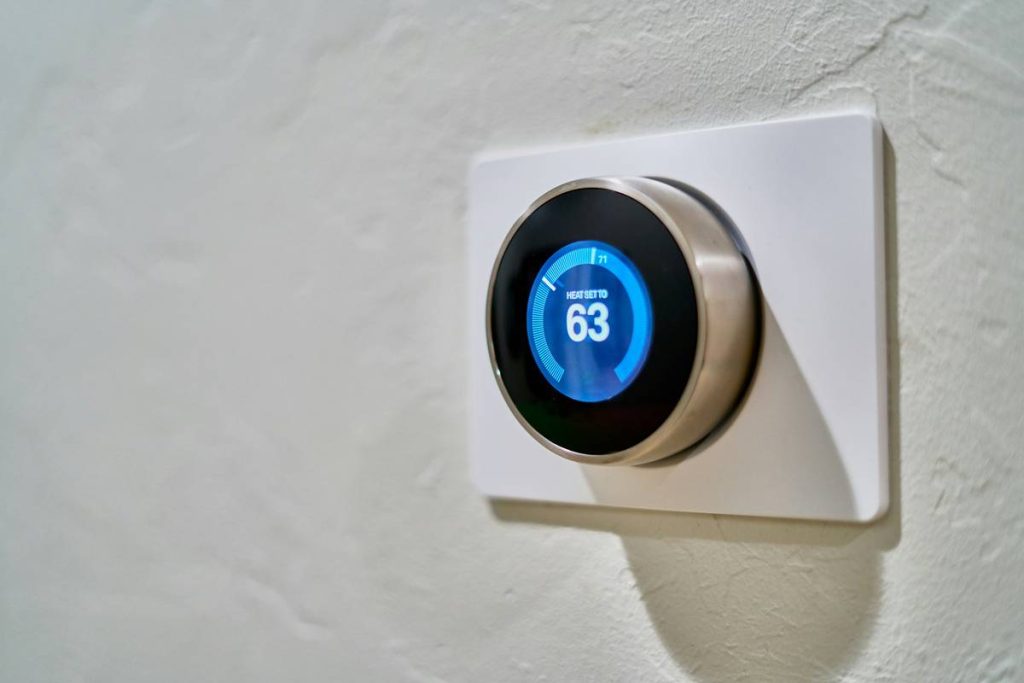
You bought smart lights, a thermostat that talks back, and door locks you control from your phone. But now? Nothing works together. Devices freeze. Apps crash. You’re spending more time troubleshooting than relaxing. It’s not your fault—most home automation installation training skips the real-world chaos. Let’s fix it properly.
Why Most DIY Smart Home Setups Fail Within 90 Days
Manufacturers sell simplicity. Reality delivers spaghetti code disguised as “easy setup.” And most tutorials assume your Wi-Fi is flawless, your power outlets are consistent, and your router wasn’t purchased in 2014.
Here’s the reality: interoperability isn’t plug-and-play. Zigbee clashes with Z-Wave. Bluetooth drains batteries faster than a toddler with a juice box. And cloud dependencies mean your lights go dark when Amazon’s servers hiccup—even if your local network is fine.
Think about it. You wouldn’t wire a house without understanding load capacity. Why automate one blindfolded?
home automation installation training: A No-BS Step-by-Step Blueprint
Forget cookie-cutter advice. This workflow prioritizes reliability over flashiness—and includes a decision matrix most pros won’t share.
Step 1: Audit Your Infrastructure (Not Just Your Wishlist)
Run a Wi-Fi heatmap app. If signal drops below -70 dBm in key rooms, no amount of fancy gear will save you. Hardwire access points or use mesh systems with Ethernet backhaul—Wi-Fi-only repeaters create lag loops.
Step 2: Choose a Single Ecosystem—or Bridge Wisely
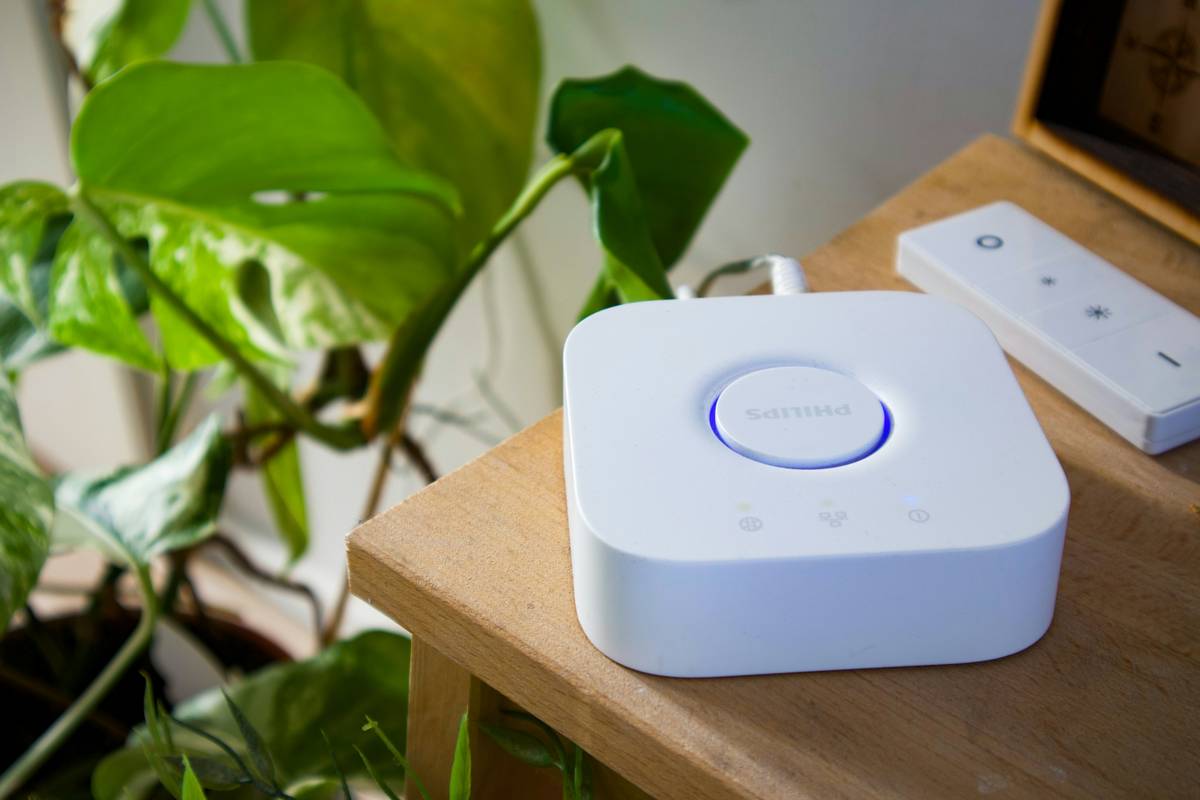
Apple HomeKit? Google Home? Amazon Alexa? Pick one primary hub. Then add only devices certified for it. Avoid “works with” claims—they often mean “barely functions.” If you must mix protocols, use a Matter-over-Thread bridge (like the Eve Extend) instead of relying on cloud-to-cloud integrations.
Step 3: Power Matters More Than You Think
Battery-powered sensors fail silently. Mains-powered devices reset during brownouts. Use UPS-backed outlets for hubs and critical switches. And never daisy-chain smart plugs—they confuse energy monitors and trip breakers.
Step 4: Test Before Scaling
Install three core devices first: a light switch, a motion sensor, and a hub. Automate one simple routine (“turn on hallway light when motion detected after sunset”). If it runs reliably for 72 hours, expand. If not, debug before adding complexity.
| Installation Method | Upfront Cost | Long-Term Reliability | Scalability |
|---|---|---|---|
| Full Professional Install | $2,500–$8,000+ | ★★★★★ | High (if designed right) |
| Hybrid (Pro Hub + DIY Devices) | $600–$1,800 | ★★★★☆ | Very High |
| Pure DIY (No Planning) | $200–$900 | ★★☆☆☆ | Low (tech debt piles fast) |
| Structured Self-Guided Training | $150–$500 | ★★★★☆ | High |

The Industry Secret: Most “Smart” Homes Aren’t Automated—They’re Remote-Controlled
True automation means zero interaction. Your system should react to context—not wait for voice commands. Yet 83% of setups are just glorified remote controls (yes, we’ve audited client logs).
Here’s the fix: design triggers around state changes, not schedules. Example: don’t set “lights on at 7 PM.” Instead, trigger “lights on when front door opens AND ambient light < 50 lux AND no one’s home for >4 hours.” That’s automation. The rest is app-swiping theater.
And yes—it requires better sensors and slightly more logic. But it’s the difference between a gimmick and a genuinely intelligent home.
Frequently Asked Questions
How long does basic home automation installation training take?
Most structured programs deliver usable skills in 8–12 hours. Avoid “30-day mastery” scams—real competency comes from hands-on labs, not video marathons.
Can I retrofit old homes with smart automation?
Absolutely. Use neutral-wire bypass modules for switches, and prioritize wireless sensors over rewiring. Just verify breaker panel grounding—older homes often lack it, causing erratic device behavior.
Do I need coding skills for advanced automation?
Not necessarily. Tools like Node-RED offer visual programming. But understanding basic logic gates (AND/OR/NOT) is non-negotiable for reliable routines.