You spent $2,000 on smart bulbs, a thermostat that barely talks to your blinds, and an assistant that misunderstands “turn off the lights” as “play lo-fi beats.” The result? More frustration than function. A true complete smart home automation solution shouldn’t feel like assembling IKEA furniture blindfolded. It should just work—seamlessly, reliably, without needing a degree in network engineering.
Why Most Smart Homes Fail Before Day 30
Most people buy gadgets—not systems. They grab a smart plug here, a camera there, assuming everything will magically sync. It won’t. Different brands use different protocols: Zigbee, Z-Wave, Wi-Fi, Matter (still emerging). And unless you’ve standardized from day one, you’re building on sand.
Worse? Cloud dependency. Lose internet for 20 minutes? Your security locks freeze. Your routines vanish. You’re locked out of your own house by software you don’t control. That’s not automation—it’s fragility dressed as convenience.
Building a Complete Smart Home Automation Solution: The No-BS Blueprint
Forget “smart home starter kits.” They’re marketing traps. Real automation starts with architecture—not accessories. Here’s how to do it right:
Step 1: Choose One Local-First Hub
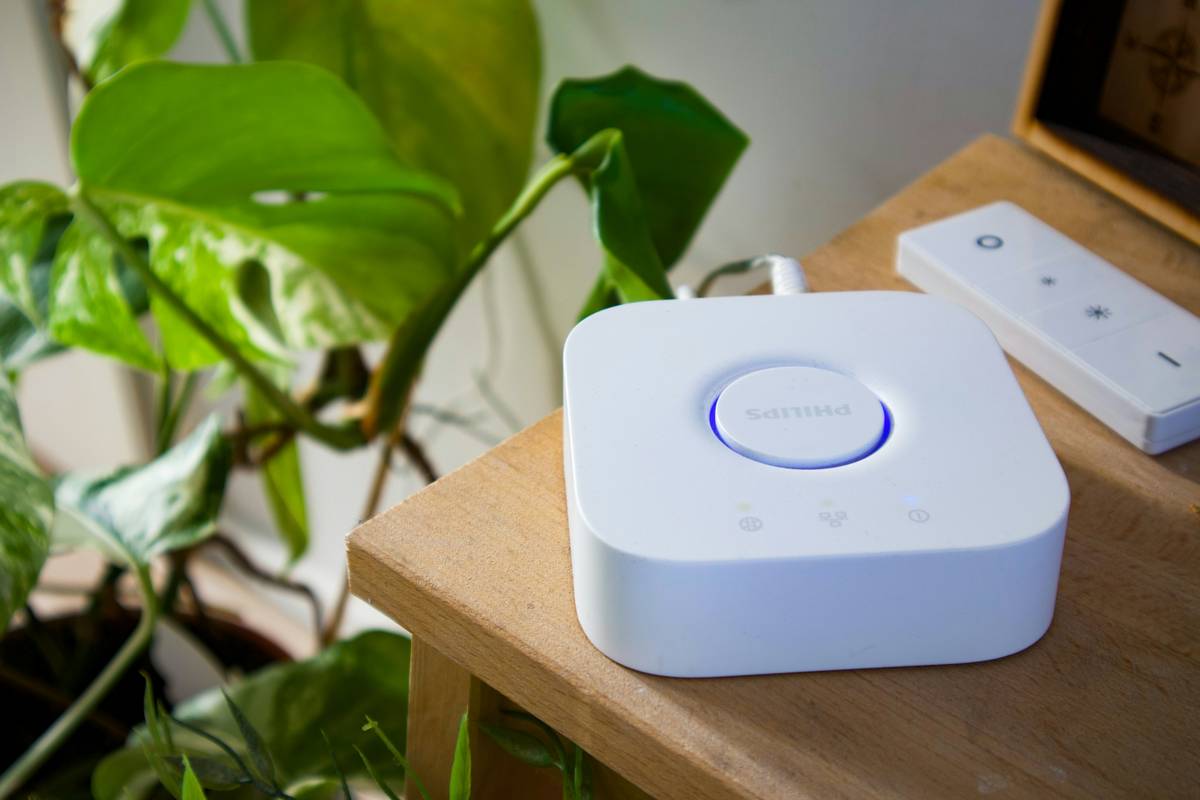
Ditch cloud-reliant platforms. Go with a hub that processes automations locally—like Home Assistant or Hubitat. If the internet dies, your lights still turn on at sunset. Period.
Step 2: Standardize on Two Protocols Max
Pick one primary (e.g., Zigbee for sensors/lights) and one fallback (Wi-Fi for speakers/displays). Avoid Bluetooth—it’s unreliable beyond single-room use. Less variety = more reliability.
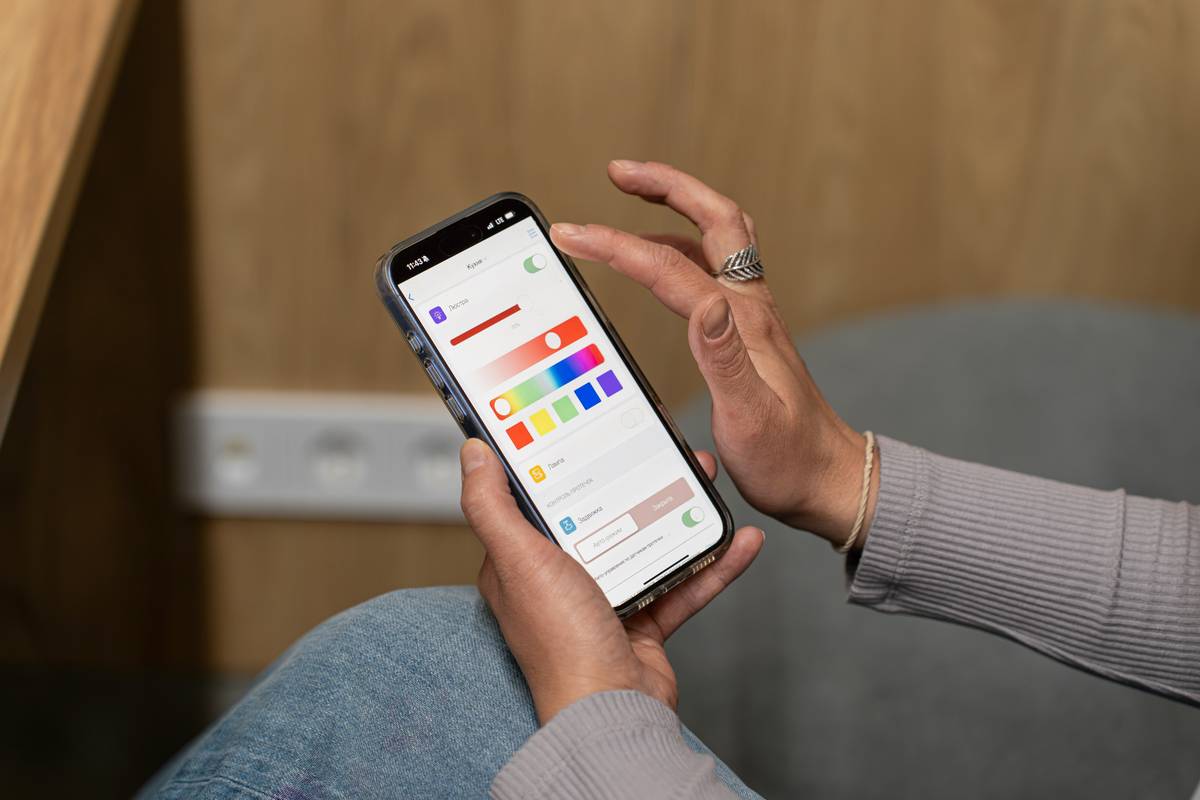
Step 3: Automate Behaviors, Not Just Devices
Don’t just schedule “lights on at 7 PM.” Trigger actions based on context: “If front door opens after sunset AND no one’s home, flash hallway light twice.” That’s intelligence—not programming.
| Approach | Initial Cost | Maintenance Effort | Offline Reliability |
|---|---|---|---|
| Brand Ecosystem (e.g., Apple HomeKit only) | $$$ | Low | Moderate |
| Mixed Brands + Cloud Apps | $ | High | Poor |
| Local-First Hub + Unified Protocol | $$ | Medium | Excellent |
Step 4: Test Failure Scenarios First
Before celebrating your new setup, simulate failures: unplug your router. Kill power to one room. Does your system degrade gracefully—or collapse? If it breaks, it wasn’t a solution. It was a demo.
The Industry Secret: Pros Don’t Use “Smart” Devices—They Use Dumb Ones with Smart Rules
Here’s what integrators won’t tell you: the best smart home isn’t packed with AI-powered gadgets. It’s built with simple, durable hardware controlled by intelligent logic running locally. A $15 Zigbee switch paired with a $100 hub can outperform a $300 “smart” dimmer that phones home every 90 seconds.
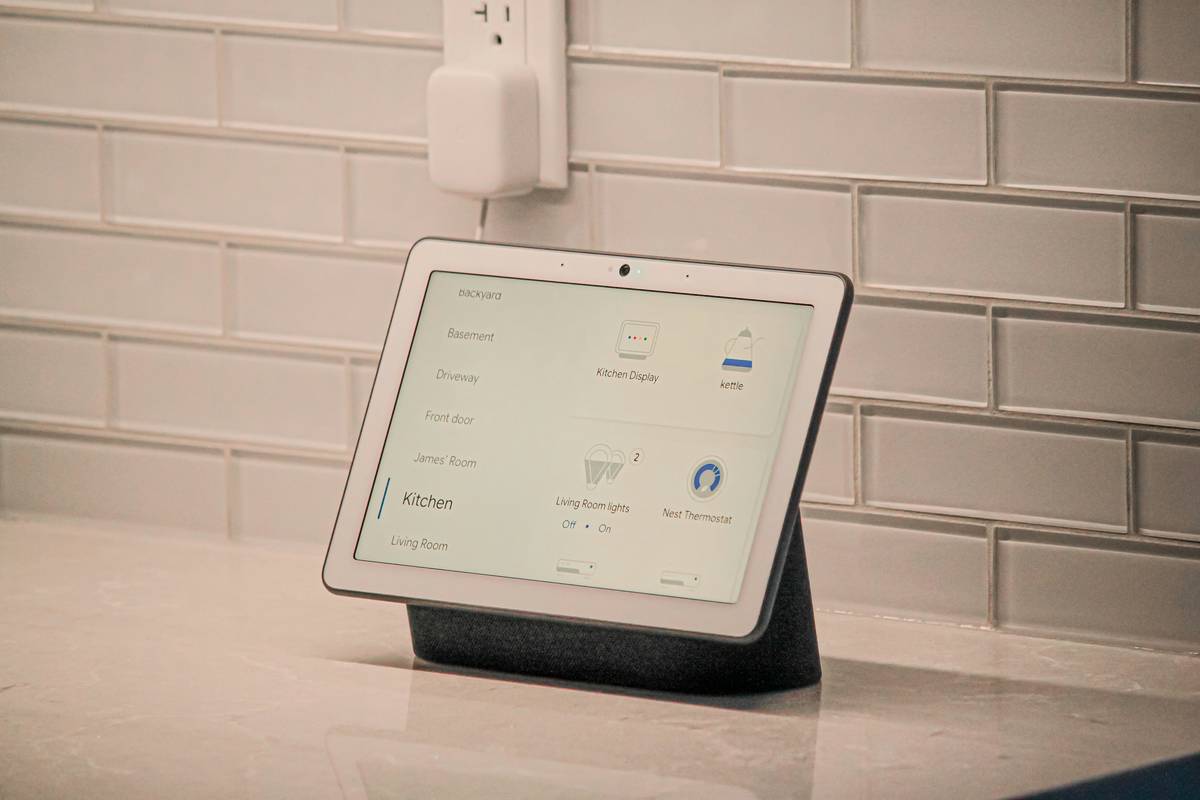
And forget voice as your primary interface. It’s great for music—but terrible for security or precision. Real automation happens in the background, triggered silently by motion, time, geofencing, or environmental data. You shouldn’t have to say a word.
Frequently Asked Questions
What’s the cheapest way to start a complete smart home automation solution?
Begin with a local hub (like a Raspberry Pi running Home Assistant) and two Zigbee devices—a sensor and a plug. Total cost under $80. Scale only after validating stability.
Can I keep my existing smart devices?
Only if they support local control or open APIs. Alexa-only plugs? Trash them. Z-Wave or Zigbee devices with manufacturer hubs? Often bridgeable. Audit before integrating.
Do I need professional installation?
Not for most homes under 3,000 sq ft. DIY saves thousands—and gives you full control. Hire pros only for in-wall wiring, multi-zone HVAC integration, or legacy security retrofits.