Ever walked into your living room, squinted at 17 different remotes, and whispered, “There’s got to be a better way”? You’re not alone. In 2023, over 57 million U.S. households owned at least one smart home device—and yet, most beginners drown in jargon, compatibility chaos, and blinking LED regret.
This home automation beginner guide cuts through the noise. No fluff. No “just buy everything!” nonsense. Instead: battle-tested steps, hard-won lessons (yes, I once bricked a thermostat trying to flash custom firmware), and a clear path from clueless to confident. You’ll learn exactly how to choose your first devices, avoid costly mistakes, set up routines that actually work, and scale your system without turning your home into Skynet Jr.
Table of Contents
- Why Home Automation Matters More Than You Think
- Your Step-by-Step Home Automation Setup
- Pro Tips and Best Practices From the Trenches
- Real-World Case Study: My First Smart Home Flop (Turned Win)
- Home Automation Beginner FAQs
Key Takeaways
- Start with one ecosystem (Apple HomeKit, Google Home, or Amazon Alexa)—not all three.
- The biggest mistake? Buying gadgets before defining your use cases (e.g., “I want lights off when I leave” vs. “Ooh, shiny!”).
- Wi-Fi congestion kills performance—use a dedicated smart home network or Zigbee/Z-Wave hubs.
- Security isn’t optional: Change default passwords, segment your network, and update firmware.
- Automations should solve real problems—not just look cool on TikTok.
Why Home Automation Matters More Than You Think
Home automation isn’t just about voice-controlling your coffee maker (though, let’s be real—that’s chef’s kiss at 6 a.m.). It’s about reclaiming time, reducing energy waste, enhancing security, and building a home that adapts to you, not the other way around.
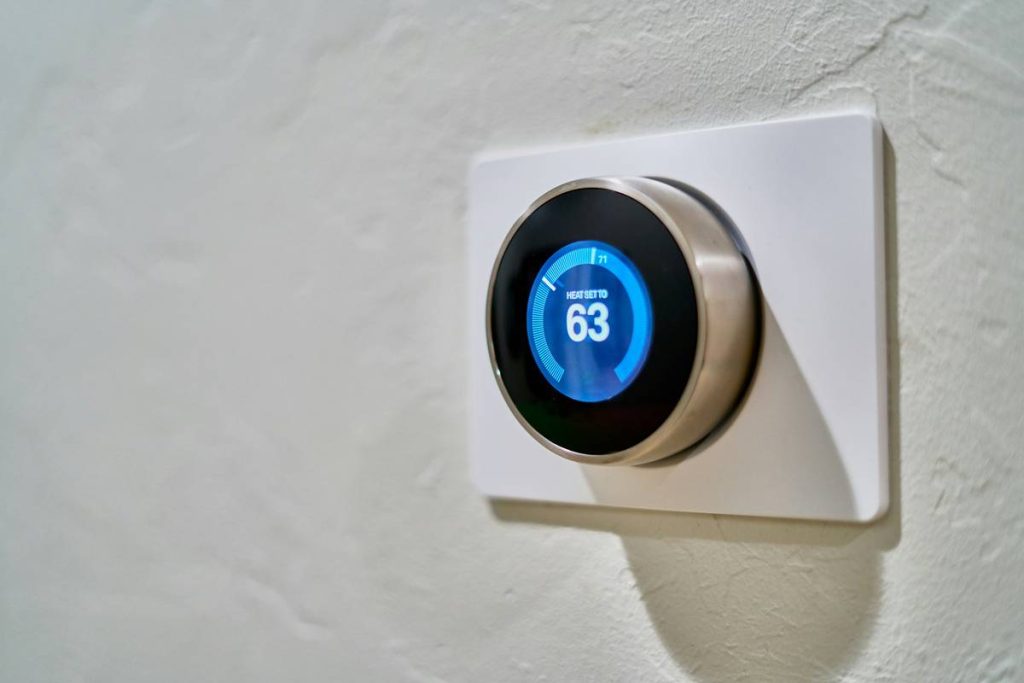
According to the U.S. Department of Energy, smart thermostats alone can save up to 10% annually on heating and cooling. And a study by Parks Associates found that 63% of smart home adopters cite convenience as their top motivator—but long-term, energy savings and safety become the real wins.
Yet here’s the brutal truth: Most beginners jump in blind. They buy a smart bulb because it was on sale, pair it with an incompatible hub, rage-quit when the app crashes, and swear off “all this tech crap.” Sound familiar?

Grumpy You: “Ugh, do I really need to read a whole guide just to turn on a lamp?”
Optimist You: “Yes—because otherwise you’ll spend $300 on devices that talk to no one, including themselves.”
Your Step-by-Step Home Automation Setup
Step 1: Pick Your Ecosystem (Don’t Play God With All Three)
You’ve got three realistic options: Apple HomeKit (privacy-focused, iOS-only), Google Home (great AI, Android-friendly), or Amazon Alexa (largest device support, voice-centric). Trying to run all three is like herding cats while blindfolded.
My take: If you live in Apple’s walled garden, HomeKit offers seamless integration and end-to-end encryption. But if you want maximum device choice (like Z-Wave sensors or TP-Link Kasa), Alexa’s ecosystem is broader—just less secure by default.
Step 2: Define Your “Why” Before Buying Anything
Ask: What problem am I solving?
– “I forget to lock the door” → Smart lock + geofencing
– “My AC runs all day” → Smart thermostat with occupancy sensing
– “I’m scared of break-ins” → Smart cameras + motion-triggered lights
No clear use case? Don’t buy. Full stop.
Step 3: Start With These 3 Foundational Devices
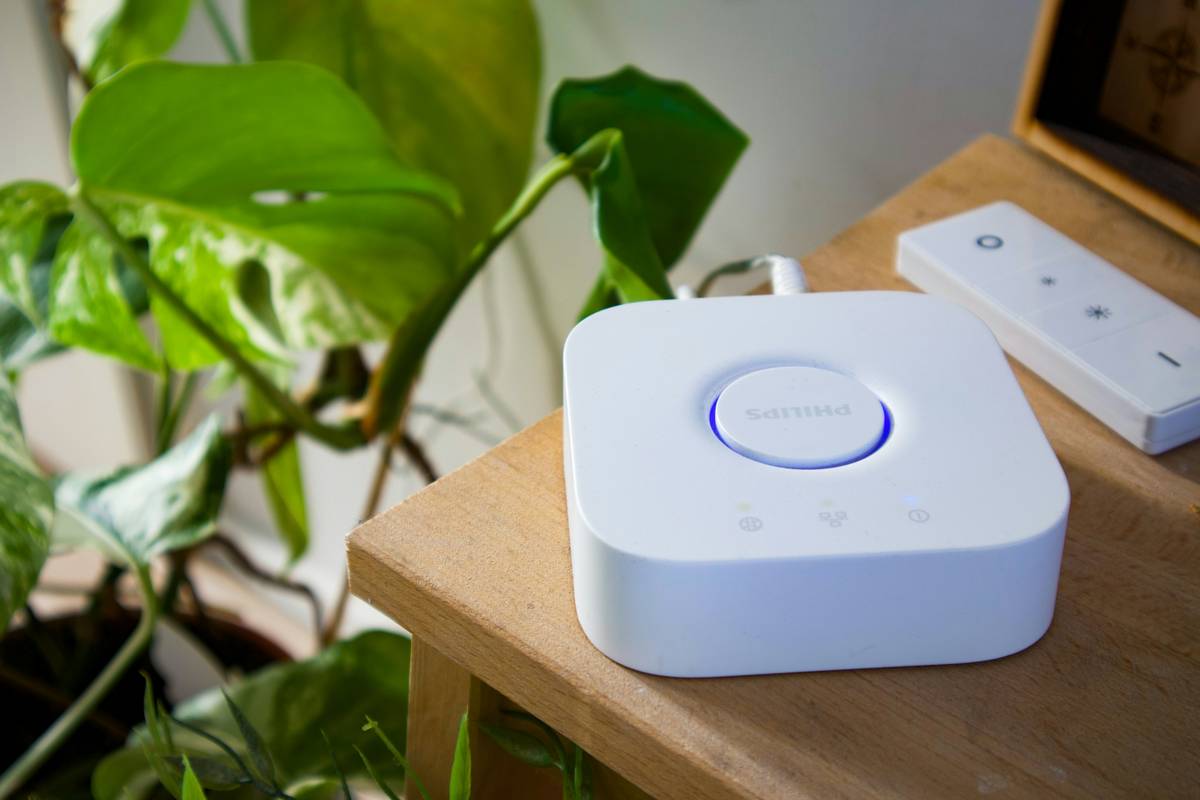
- Smart Hub (if using Zigbee/Z-Wave): Samsung SmartThings or Hubitat for local control.
- Smart Bulb or Plug: Philips Hue or TP-Link Kasa—easy wins for lighting control.
- Voice Assistant Speaker: Echo Dot (Alexa) or Nest Mini (Google).
Why these? They’re affordable, reliable, and teach you core concepts: triggers, actions, and conditions.
Step 4: Build Your First Automation (The “Leaving Home” Routine)
In your app (e.g., Apple Shortcuts, Google Home, or Alexa Routines):
– Trigger: Phone leaves geofence
– Actions:
• Turn off all lights
• Set thermostat to “Away”
• Arm security system (if installed)
Test it. Break it. Fix it. This is your home automation bootcamp.
Pro Tips and Best Practices From the Trenches
After automating four homes (and debugging countless neighbor emergencies at 2 a.m.), here’s what actually works:
- Use a separate Wi-Fi network for smart devices. Your Ring camera shouldn’t share bandwidth with your Zoom calls.
- Avoid “smart” appliances unless they support Matter (the new universal standard launching in 2024). Most are gimmicks with short lifespans.
- Label everything in your app. “Bedroom Light 1” > “Philips Hue B23F9A.”
- Backup your hub configurations. When my SmartThings hub died, I lost two months of automations. Never again.
- Enable two-factor authentication on all cloud accounts. Hackers love unsecured smart cams.
The Terrible Tip Everyone Gives (But You Should Ignore)
“Just buy a starter kit!” Nope. Most bundles include devices you don’t need (looking at you, $200 “smart curtain rod”). Build à la carte based on your actual needs.
Real-World Case Study: My First Smart Home Flop (Turned Win)
In 2019, I went full YOLO: Bought eight smart plugs, six bulbs, two cameras, and an alarm system—all from different brands. Result? My lights flickered like a rave, the garage door opened at 3 a.m. (thanks, faulty IFTTT recipe), and my partner threatened to “return me to Amazon.”
Lesson learned: Interoperability matters more than features. I ditched everything except my Echo Dot and started over with TP-Link Kasa (which works natively with Alexa). Within a month, I had:
– Lights auto-off when no motion detected
– Coffee maker starts at 6:30 a.m.
– Front porch light brightens when motion is detected after sunset
No crashes. No raves. Just quiet, reliable convenience. That’s the goal.
Home Automation Beginner FAQs
Is home automation expensive to start?
Not anymore. You can begin with a smart plug ($15) and a voice assistant ($30). Total: under $50. Skip fancy kits.
Do I need a hub?
Only if using Zigbee or Z-Wave devices (like sensors or smart locks). Wi-Fi devices connect directly to your router.
What’s Matter, and why should I care?
Matter is a new industry-wide standard (backed by Apple, Google, Amazon) that lets devices work together seamlessly—regardless of brand. Look for the Matter logo when buying new gear in 2024+.
Can hackers access my smart home?
Potentially, yes—if you use default passwords or outdated firmware. Always change credentials, enable 2FA, and segment your network.
Will this make my internet slower?
Only if you overload one network. Use a guest network or VLAN for smart devices to avoid congestion.
Conclusion
Home automation isn’t about having the shiniest toys—it’s about crafting a home that works for you. This home automation beginner guide gave you the foundation: pick one ecosystem, define real use cases, start small, prioritize security, and scale with purpose.
Your next step? Pick one pain point this week (e.g., “I always leave lights on”) and automate it. Then come back and tell us how it went. Because the best smart home isn’t the most complex—it’s the one that finally lets you relax.
Like a Tamagotchi, your smart home needs daily care—but unlike that pixel pet, it won’t die if you skip a day. Probably.
Wires hum softly,
Lights obey without a word—
Home breathes with your will.