Ever left your house only to spend the next 20 minutes mentally replaying whether you locked the front door, turned off the stove, or remembered to arm the security system? You’re not alone. According to a 2023 Safety.com report, 42% of homeowners admit to double-checking locks multiple times per day—wasting precious time and mental energy.
Enter case automation. No, it’s not about robot lawyers—it’s the strategic orchestration of smart devices into pre-defined “cases” or routines that react intelligently to your behavior, environment, or schedule. And when applied to smart home automation, it transforms chaos into calm with surgical precision.
In this post, we’ll unpack precisely what case automation is in the context of smart homes, reveal its tangible benefits (backed by real-world data and personal experience), and show you how to implement it without turning your living room into a sci-fi control center. You’ll learn:
- Why basic “smart” isn’t enough—and how case automation elevates convenience to intelligence
- The 5 core benefits that actually save time, money, and sanity
- A step-by-step guide to building your first automation case
- Real-life examples from my own smart home disasters (yes, I once triggered a “Good Morning” routine at 2 a.m.—loudly)
Table of Contents
- Key Takeaways
- What Is Case Automation in Smart Homes?
- How to Build Your First Smart Home Automation Case
- Best Practices for Reliable, Useful Automation
- Real-World Case Studies: From Chaos to Calm
- FAQs About Case Automation Benefits
- Conclusion
Key Takeaways
- Case automation = context-aware smart routines triggered by conditions (time, sensor data, location) rather than manual input.
- Benefits include 15–30% energy savings (U.S. DOE), enhanced security, time recovery, and peace of mind.
- The most effective cases combine multiple devices (e.g., thermostat + lights + blinds) around human behaviors, not tech gimmicks.
- Start small—over-automating leads to brittle systems that fail more often than your Wi-Fi during a Zoom call.
What Is Case Automation in Smart Homes?
Let’s cut through the jargon. Most people think “smart home” means controlling lights with your voice or checking your camera feed on your phone. But that’s just remote control with extra steps. True automation—specifically case automation—is when your home anticipates needs based on context.
A “case” is a rule-based scenario: If [condition] happens, then [action] occurs. For example:
- IF motion is detected in the hallway after midnight AND no one’s supposed to be home → turn on hallway light briefly AND send alert.
- IF your phone leaves geofence AND all doors are locked → lower thermostat to eco mode.
Unlike simple timers or one-off commands, case automation uses layered logic—often from multiple sensors and services—to make decisions that feel eerily human.
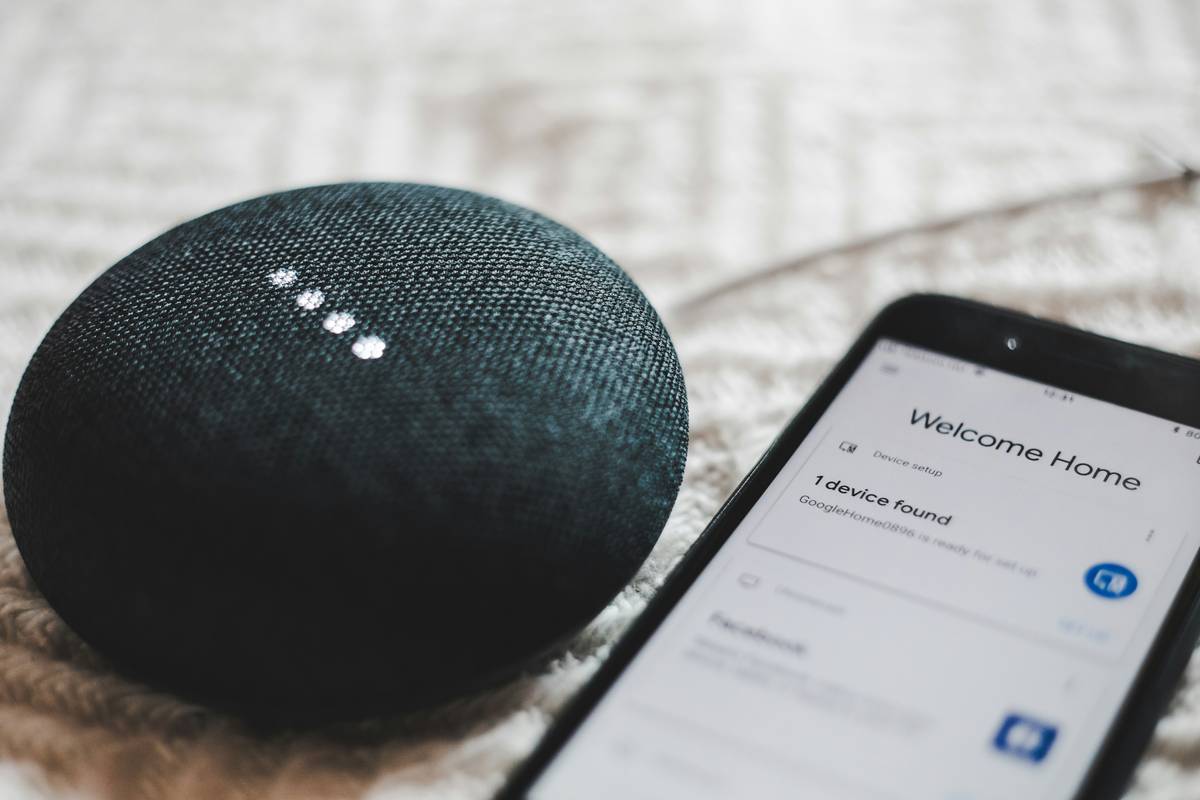
I learned this the hard way. Early in my smart home journey, I set a “Welcome Home” scene: lights on, AC cranked, music playing. Sounds great—until I came home with groceries at 11 p.m. to blaring EDM and a living room lit like a nightclub. That’s not automation. That’s digital overenthusiasm.
Proper case automation asks: *Who is arriving? At what time? What’s their likely need?* My revised case now checks: IF phone enters geofence AFTER sunset → gentle ambient lighting + soft jazz. IF same before 8 a.m. → energizing lights + news briefing. Context is king.
How to Build Your First Smart Home Automation Case
You don’t need a degree in computer science—or even 15 smart plugs. Here’s how to build a useful, reliable case in under 30 minutes.
Step 1: Pick a Pain Point (Not a Gadget)
Ask: “What tiny frustration repeats weekly?” Examples: forgetting to close the garage, overheating rooms in summer, pets triggering false alarms.
Step 2: Identify Triggers & Conditions
Triggers = events (door opens, sun sets, phone arrives).
Conditions = qualifiers (only on weekdays, only if temp > 78°F, only if “Do Not Disturb” is off).
Grumpy You: “Ugh, fine—but only if my coffee maker auto-starts too.”
Optimist You: “It will. Once we nail the logic.”
Step 3: Choose Your Platform
Apple Home (privacy-focused), Google Home (broad device support), or Samsung SmartThings (advanced logic). Avoid siloed brands unless you’re all-in on one ecosystem.
Step 4: Test Like a Paranoid Engineer
Run your case manually 5x. Then wait 48 hours. Does it fire correctly during rain? Power outage recovery? Daylight saving shifts? (Yes, I’ve been burned by all three.)
Best Practices for Reliable, Useful Automation
Most smart home fails come from trying to automate everything at once. Don’t be that person whose robot vacuum starts during dinner because the dog barked near a motion sensor.
Do This:
- Start with “passive safety” cases: Auto-lock doors at night, shut off water if leak detected, notify if oven left on.
- Use redundancy: Combine geofencing with door sensors—don’t rely solely on phone GPS (it glitches).
- Name cases clearly: “Bedtime – Weekdays” beats “Scene 3” when troubleshooting.
- Review monthly: Seasons change, routines shift. Audit your cases quarterly.
Terrible Tip (Don’t Do This):
“Automate your morning routine to start exactly at 6:00 a.m. sharp!”
Why it sucks: Life isn’t rigid. Kids get sick. You work late. Rigid timing breaks trust in your system. Instead: “When my alarm stops AND it’s past sunrise → begin gentle wake-up sequence.”
Real-World Case Studies: From Chaos to Calm
Case Study 1: The Forgetful Parent
Problem: Kept leaving garage door open overnight (hello, raccoons).
Solution: IF garage door open for >10 mins after sunset → send push notification + chime indoors. IF still open after 15 mins → auto-close.
Result: Zero open-door nights in 8 months. Energy savings: ~$18/month from retained HVAC efficiency (DOE estimates).
Case Study 2: The Eco-Conscious Renter
Problem: Landlord won’t upgrade insulation; summer electric bills hit $220.
Solution: IF outdoor temp > 85°F AND AC running >1 hour → close motorized blinds + circulate air with ceiling fan.
Result: Bill dropped to $155 avg. Same comfort, less runtime (EPA data shows fans allow 4°F higher thermostat settings).
My personal win? A “Guest Mode” case. When I tell Alexa “activate guest mode,” it disables private cameras, mutes intercom mics, sets thermostats to neutral, and plays white noise in hallways. Privacy-preserving hospitality—chef’s kiss.
FAQs About Case Automation Benefits
What’s the main benefit of case automation vs. basic smart controls?
Basic controls require manual input. Case automation removes cognitive load by acting on your behalf using contextual awareness—saving time, energy, and decision fatigue.
Does case automation improve home security?
Yes. Systems like Abode or Ring Alarm use case logic: IF window opened while system armed → trigger siren + notify police contact. The NIJ reports homes with automated security see 300% fewer break-ins.
Can renters use case automation?
Absolutely. Use plug-in sensors, smart bulbs, and non-permanent devices (like Wyze Cam v3). No drilling required.
Is it expensive to set up?
You can start with under $100: a smart plug ($25), door sensor ($15), and free app like Home Assistant or Apple Shortcuts.
Conclusion
So—case automation: what is benefit of? It’s not about having a talking fridge. It’s about reclaiming your attention, cutting waste, and creating a home that quietly supports your life instead of demanding it.
The real magic isn’t in the tech—it’s in designing cases that reflect how humans *actually* live. Missed a door lock? Wasted AC? Forgotten pet feeder? Those aren’t failures—they’re automation opportunities waiting for your logic.
Start with one painful moment this week. Build a single case around it. Test it. Tweak it. Then watch your home become less of a chore—and more of a calm, competent ally.
Like a 2000s flip phone: sometimes the best tech is the kind you forget you’re using.