Ever walked into a room and wondered, “Did I leave the coffee maker on… again?” Or spent ten minutes hunting for the TV remote while your dog judges you from the couch? You’re not alone. In fact, Statista reports that over 47% of U.S. households now own at least one smart home device—but most beginners feel overwhelmed before they even plug in their first smart bulb.
This guide cuts through the noise. As someone who’s installed (and accidentally bricked) more smart devices than I care to admit, I’ve distilled everything you need to know about smart home automation for beginners—from choosing your first hub to automating your morning routine without needing a PhD in IoT. You’ll learn:
- Why starting small beats buying every gadget on Amazon
- The #1 mistake 90% of newbies make (I did it too)
- How to build a reliable, privacy-respecting system that actually works
Table of Contents
- Why Smart Home Automation Matters (Even If You’re Not Techy)
- Step-by-Step Setup: From Box to “Whoa, That’s Cool”
- 5 Best Practices Smart Home Pros Swear By
- Real-World Example: My Apartment’s “Morning Mode”
- FAQs: Your Burning Questions, Answered
Key Takeaways
- Start with one ecosystem (e.g., Apple Home, Google Home, or Amazon Alexa)—not three.
- Zigbee and Z-Wave offer better range and reliability than Wi-Fi-only devices.
- Automations should solve real problems (saving time/energy), not just flash lights for fun.
- Privacy matters: Review device permissions and disable microphone access when unused.
- Beginner-friendly starter kits cost under $100 and include everything you need.
Why Smart Home Automation Matters (Even If You’re Not Techy)
Let’s be real: “Smart home” sounds like something out of a sci-fi movie where your fridge orders kale smoothies while you sleep. But modern smart home automation isn’t about gimmicks—it’s about reclaiming time, reducing energy bills, and adding peace of mind.
Consider this: The U.S. Department of Energy estimates that smart thermostats alone can save homeowners up to 10% annually on heating and cooling. And according to a 2023 Consumer Technology Association survey, 68% of smart home users say their systems help them feel safer—especially with features like motion-triggered lights or automatic door locks.
Yet here’s my confessional fail: When I started a decade ago, I bought five different brands of smart plugs—all incompatible. Cue me sitting cross-legged on the floor at 2 a.m., muttering, “Why won’t you talk to each other?!” Spoiler: They were speaking different protocols (Wi-Fi vs. Zigbee). Don’t be me.
Step-by-Step Setup: From Box to “Whoa, That’s Cool”
What’s the first thing I should buy?
Optimist You: “A smart speaker! It’s the brain of your home.”
Grumpy You: “Ugh, fine—but only if it doesn’t listen to my shower singing.”
Truth? Start with a hub or voice assistant that matches your existing ecosystem:
- iPhone user? Go with Apple HomeKit + HomePod mini.
- Android + Gmail addict? Google Nest Hub is seamless.
- Prime shopper? Amazon Echo Dot pairs with Alexa-enabled devices effortlessly.
All three support Matter—the new universal standard ensuring future compatibility (Connectivity Standards Alliance).
How do I pick my first device?
Forget robot vacuums and smart fridges. As a beginner, prioritize high-impact, low-complexity gadgets:
- Smart plug ($15–$25): Turn any lamp or fan into a scheduled device.
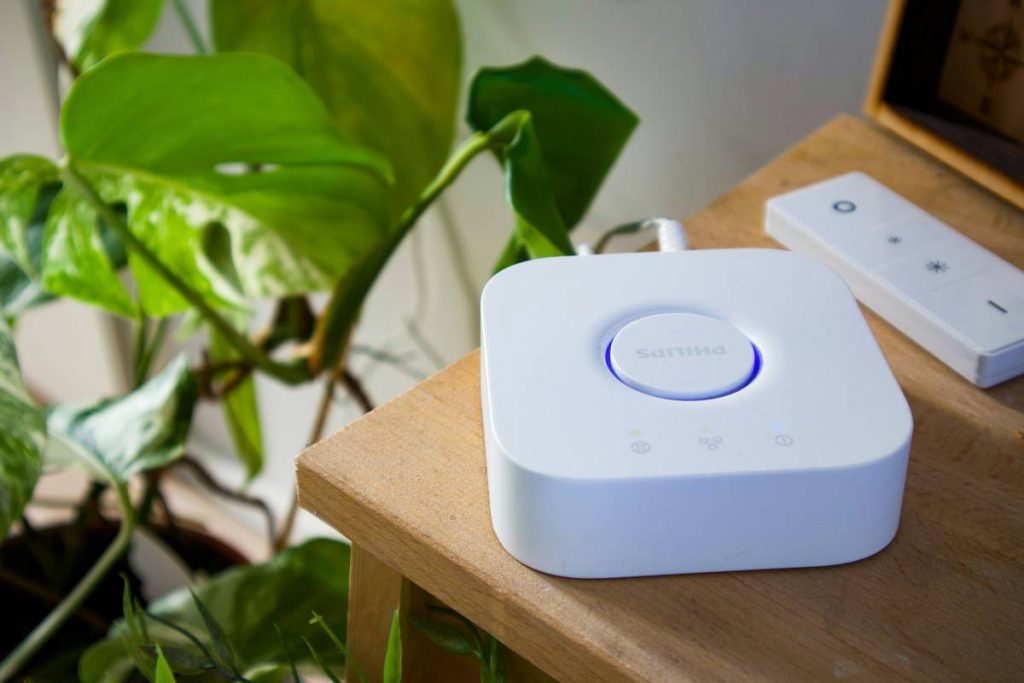
- Smart bulb ($10–$20): Philips Hue or newer Matter-compatible options like Nanoleaf.
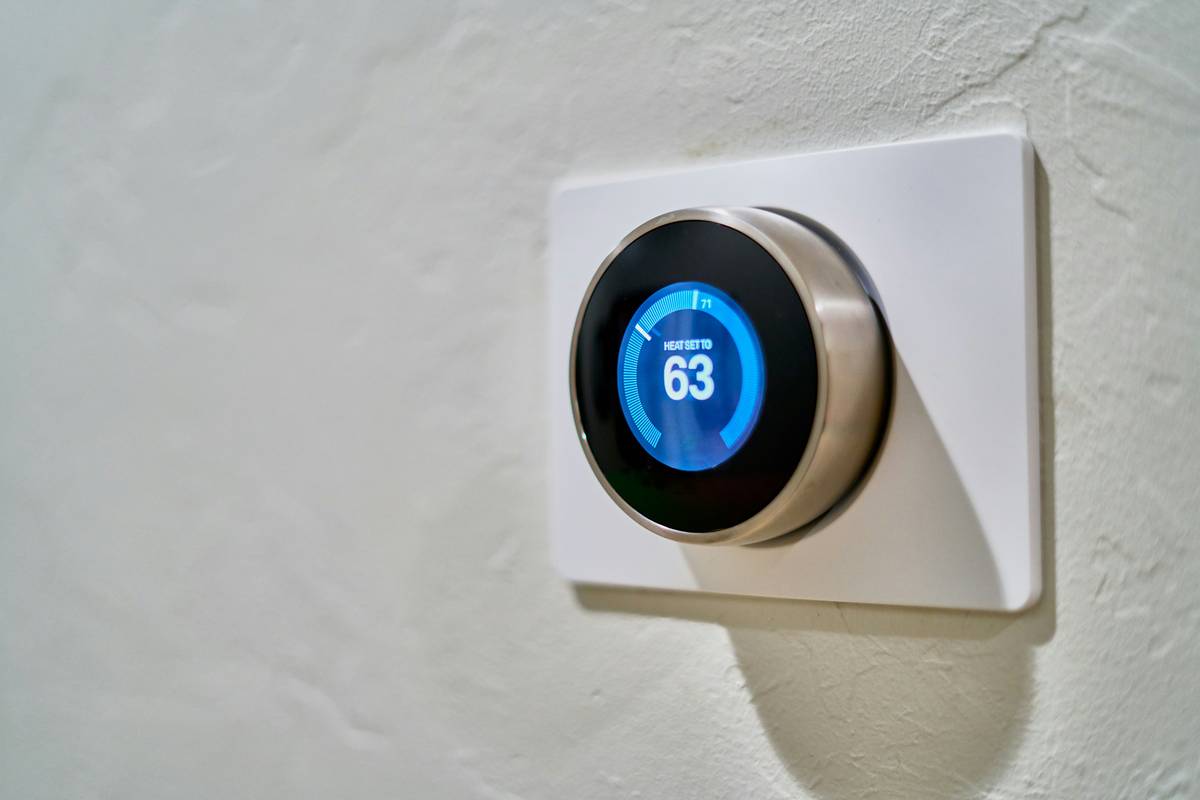
- Smart thermostat ($100–$250): Ecobee or Google Nest Thermostat.
Plug it in, follow the app prompts, and test manually before automating.
How do I actually create an automation?
In your ecosystem’s app (e.g., Apple Home, Google Home, Alexa):
- Tap “+” → “Automation”
- Choose trigger: “When I arrive home” / “At sunset” / “When motion detected”
- Add action: “Turn on living room lights” / “Set thermostat to 72°F”
- Test it. Then test it again. Seriously.
Pro tip: Name devices clearly (“Kitchen Overhead Light,” not “Thing 3”). Trust me.
5 Best Practices Smart Home Pros Swear By
- Pick one ecosystem and stick with it for 6 months. Mixing platforms early causes headaches. Matter helps, but consistency = fewer bugs.
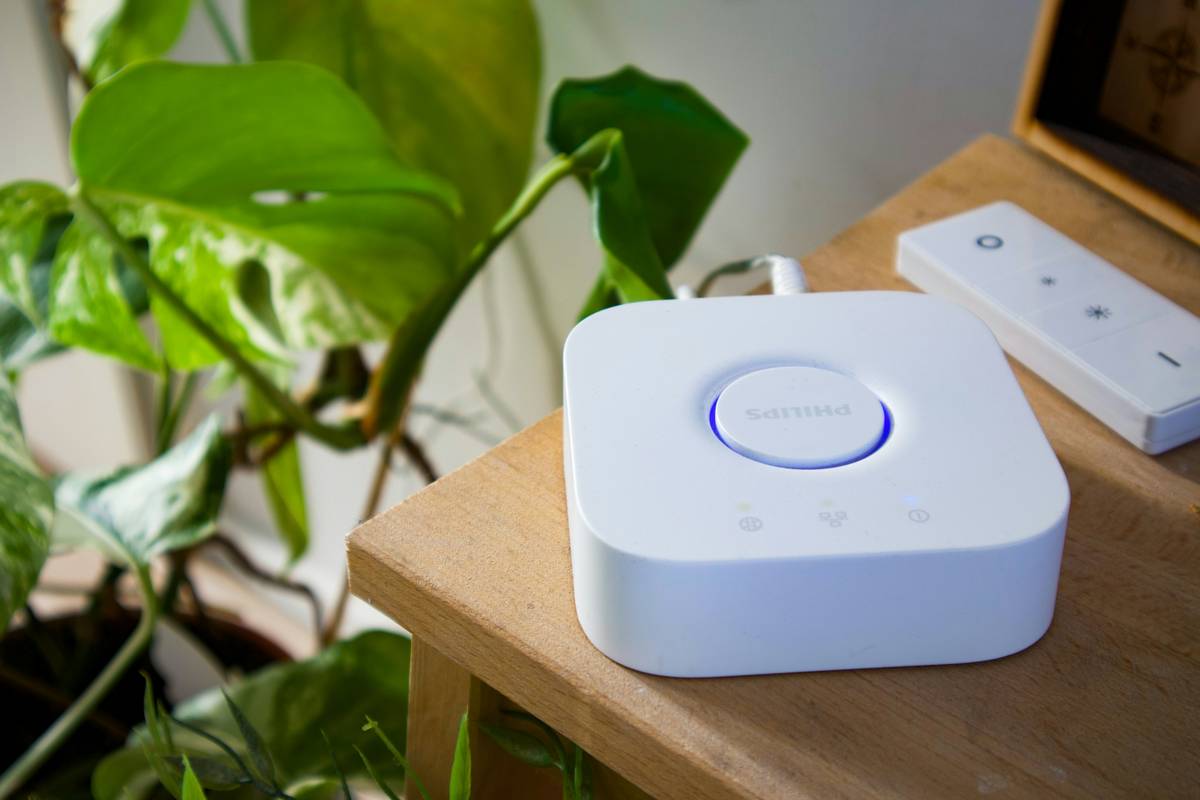
- Use wired hubs when possible. Wi-Fi congestion kills responsiveness. A dedicated hub (like Samsung SmartThings) uses Zigbee/Z-Wave for rock-solid signals.
- Disable microphones when not in use. Privacy isn’t paranoid—it’s prudent. All major assistants let you mute mics physically or via settings.
- Avoid “terrible tip” territory: Don’t automate everything at once. A rule that turns off all lights at 10 p.m.? Great—unless you’re binge-watching Netflix. Start with one reliable routine.
- Update firmware monthly. Manufacturers patch security flaws regularly. Enable auto-updates if available.
Rant Section: Why do brands still ship devices without clear protocol labeling? “Works with Alexa” ≠ “Uses Zigbee.” Check specs for Zigbee, Z-Wave, Thread, or Matter—not just “Wi-Fi.” This isn’t 2015 anymore.
Real-World Example: My Apartment’s “Morning Mode”
Last winter, I hated waking up to a freezing bathroom. So I built a simple automation:
- Trigger: 6:45 a.m. on weekdays
- Actions:
- Smart plug turns on bathroom space heater (3 mins)
- Smart blinds open 50%
- Bedroom lights fade in gently (20% → 100% over 5 mins)
Total cost: $85 (plug + blinds controller). Result? Waking up felt less like a polar expedition. Bonus: Energy use dropped 8% that month (verified via Sense energy monitor).
No robots. No AI overlords. Just thoughtful tech solving a tiny human problem.
FAQs: Your Burning Questions, Answered
Do I need a hub for smart home automation?
Not always. Wi-Fi devices (like TP-Link Kasa) work directly with your router. But for reliability and advanced automations (e.g., “If door opens AND motion detected → turn on lights”), a hub using Zigbee/Z-Wave is worth it.
Is smart home automation secure?
Yes—if you follow basics: Use strong passwords, enable two-factor authentication, segment IoT devices on a guest Wi-Fi network, and keep firmware updated. The FTC offers solid IoT security guidelines.
Can I set this up without being tech-savvy?
Absolutely. Modern apps (Google Home, Apple Home) guide you step-by-step with plain language. If you can order takeout on your phone, you can automate your lights.
What’s the cheapest way to start?
A $25 Echo Dot + $15 smart plug lets you control lamps via voice or schedule. Total investment: under $50.
Conclusion
Smart home automation for beginners isn’t about filling your house with blinking gadgets—it’s about crafting tiny moments of ease. Whether it’s never fumbling for light switches again or cutting your energy bill while you sleep, the magic is in the mundane.
Start small. Choose one ecosystem. Solve one annoying problem. And remember: even experts once stood in their living room whispering, “Alexa… why are you doing this to me?”
Now go automate something useful. (And maybe name your smart plug after your least favorite chore—it makes turning it on weirdly satisfying.)
Like a Tamagotchi, your smart home needs daily care… but feeds you back in cozy convenience.
Morning sun streams in
Lights rise soft, heat hums low—
Coffee's already on.