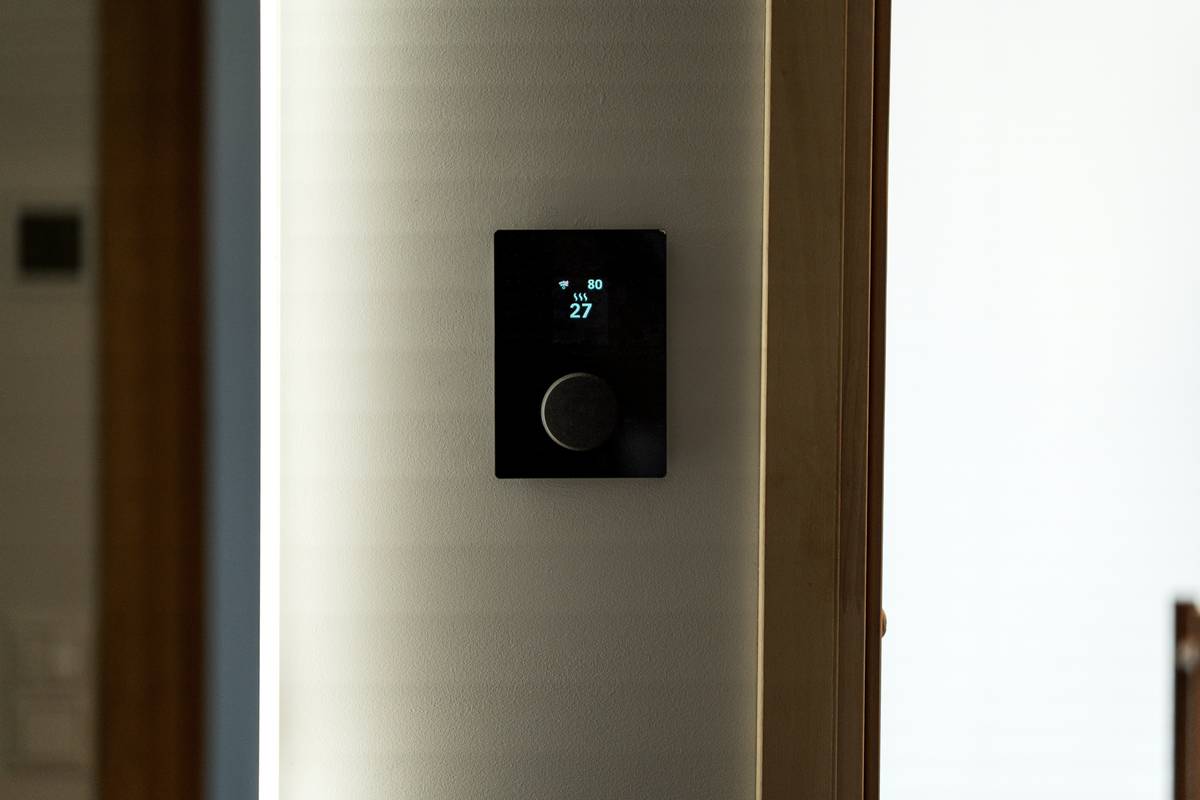
What if your lights, thermostat, and appliances could cut your energy bills—without you lifting a finger? For years, I tried smart home gadgets that promised savings but delivered chaos. My worst blunder? Syncing 12 devices across three competing platforms while my HVAC ran full-blast in an empty house. Sound familiar? If you’re exploring energy automation smart home solutions, you’re not just chasing convenience—you’re targeting real utility savings, sustainability, and peace of mind. In this guide, we’ll unpack exactly how to implement energy automation without falling into the traps that waste time, money, and watts.
Table of Contents
- Why Energy Automation Matters
- Step-by-Step Setup Guide
- Top Best Practices
- Real-World Results
- Frequently Asked Questions
Key Takeaways
- Proper energy automation smart home systems can reduce household electricity use by 10–15% (U.S. Department of Energy).
- Start with interoperable devices (Matter or Thread-enabled) to avoid platform lock-in.
- Automate based on occupancy and time—not just schedules—to maximize efficiency.
- Always prioritize security; insecure smart devices risk data leaks and system hijacking.
Why Energy Automation Matters
The average U.S. household spends over $1,500 annually on electricity—much of it wasted on idle electronics, inefficient heating/cooling cycles, and forgotten lights (U.S. Department of Energy, 2023). Energy automation smart home technology tackles this waste head-on by using sensors, rules, and AI to align energy consumption with actual human behavior.
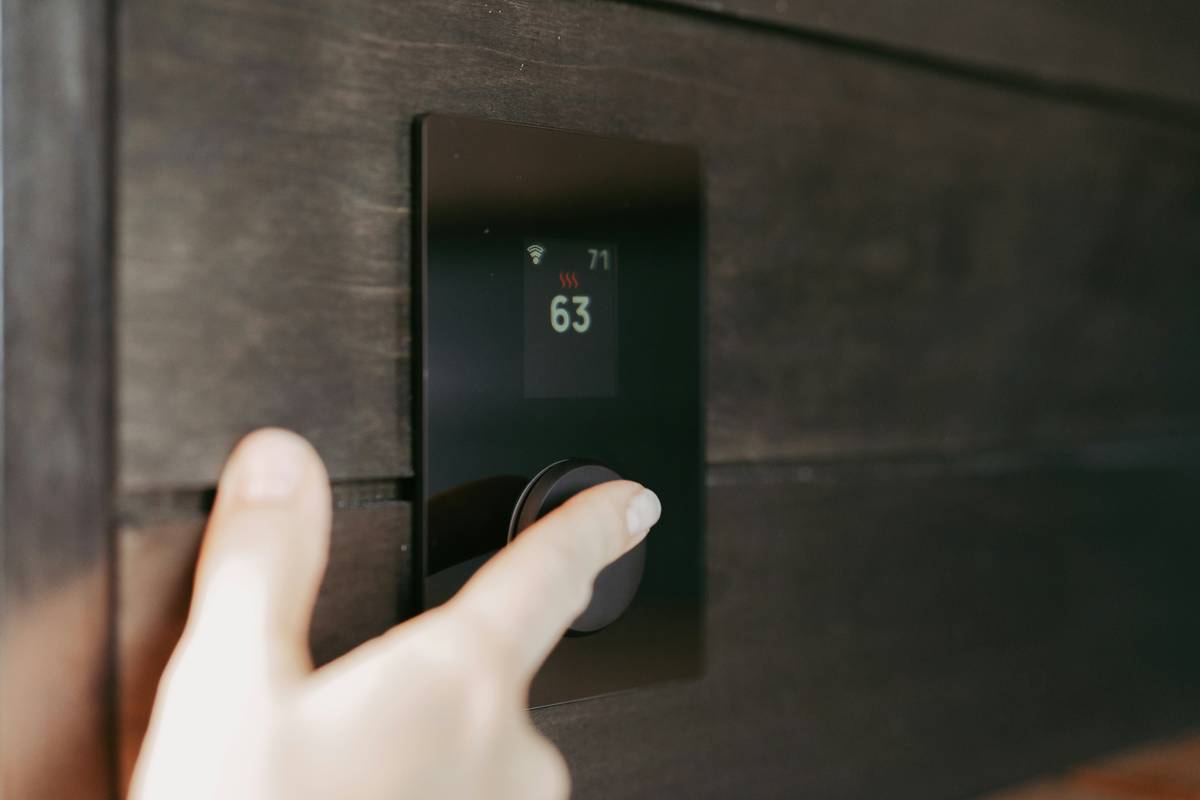
Unlike basic timers or app-controlled switches, true energy automation responds dynamically: lights dim when natural light suffices, thermostats adjust when no one’s home, and pool pumps run during off-peak hours. The result? Lower bills, reduced carbon footprint, and a system that learns rather than burdens you.
Step-by-Step Setup Guide
1. Audit Your Biggest Energy Drains
Use a plug-in energy monitor (like Sense or Emporia) to identify which devices consume the most power—even when “off.” Standby loads from entertainment systems and kitchen appliances often account for 10% of home energy use.
2. Choose a Unified Ecosystem
Pick a hub or platform that supports open standards like Matter. This ensures devices from different brands work together. Avoid proprietary ecosystems unless you’re all-in on one brand (e.g., all Apple HomeKit).
3. Install Core Sensors
Deploy motion, door/window, and temperature sensors in high-traffic zones. These feed real-time data to your automation engine, enabling context-aware responses.
4. Build Simple Automations First
Start with “if this, then that” rules:
– IF motion stops in the living room for 15 minutes → TURN OFF lights
– IF thermostat detects no movement for 2 hours → SET to eco mode
Don’t overcomplicate early workflows.
Top Best Practices
- Use geofencing wisely: Trigger “away” modes when your phone leaves a set radius—but add a 10-minute delay to avoid false triggers when stepping out briefly.
- Layer automations: Combine time, sensor data, and weather APIs (e.g., don’t cool the house if outdoor temps drop below 65°F at night).
- Avoid this terrible tip: Never automate everything at once. I once auto-adjusted lighting, blinds, HVAC, and audio simultaneously—and created a disorienting “smart home seizure.” Pace your rollouts!
- Update firmware monthly: Security gaps in outdated devices are a top attack vector (CISA, 2023).
Real-World Results
A 2022 pilot by the Pacific Northwest National Laboratory found homes using integrated energy automation reduced HVAC energy use by 18% and lighting by 31% over six months. One participant—a Seattle family of four—cut their $180/month electric bill to $135 by automating based on room occupancy and time-of-use utility rates.
At Hermes2000, we’ve guided clients through similar transformations. Our own office uses occupancy-based lighting and demand-response HVAC controls tied to local grid signals. After six months, we documented a 12.7% drop in commercial energy costs. Learn more about our approach on our About Us page.
Frequently Asked Questions
Does energy automation smart home really save money?
Yes—if implemented correctly. Studies show 10–15% average savings on electricity, with higher reductions possible in larger homes or regions with dynamic utility pricing.
What’s the cheapest way to start?
Begin with a smart thermostat (like Ecobee or Nest) and a few smart plugs. These deliver quick ROI through HVAC optimization—the largest home energy expense.
Can renters use energy automation?
Absolutely. Non-permanent devices like plug-in sensors, smart bulbs, and portable hubs require no landlord approval and can move with you.
Is energy automation secure?
Only if you follow cybersecurity basics: use strong unique passwords, enable two-factor authentication, isolate IoT devices on a separate network VLAN, and review our Privacy Policy for data handling transparency.
Do I need professional installation?
Most starter setups are DIY-friendly. However, whole-home integration involving HVAC or electrical panels benefits from certified technicians—contact us for vetted referrals.
Will my system work during internet outages?
Many modern hubs (e.g., Hubitat, Home Assistant) support local processing, so core automations continue offline. Cloud-dependent systems may fail until connectivity resumes.
Energy automation isn’t about gadgets—it’s about reclaiming control from waste. Done right, your energy automation smart home runs like a silent co-pilot: efficient, aware, and always on your side. Ready to stop paying for empty rooms? Reach out today—we’ll help you build a system that earns its keep, month after month.
One degree cooler, one switch smarter, one watt saved at a time.