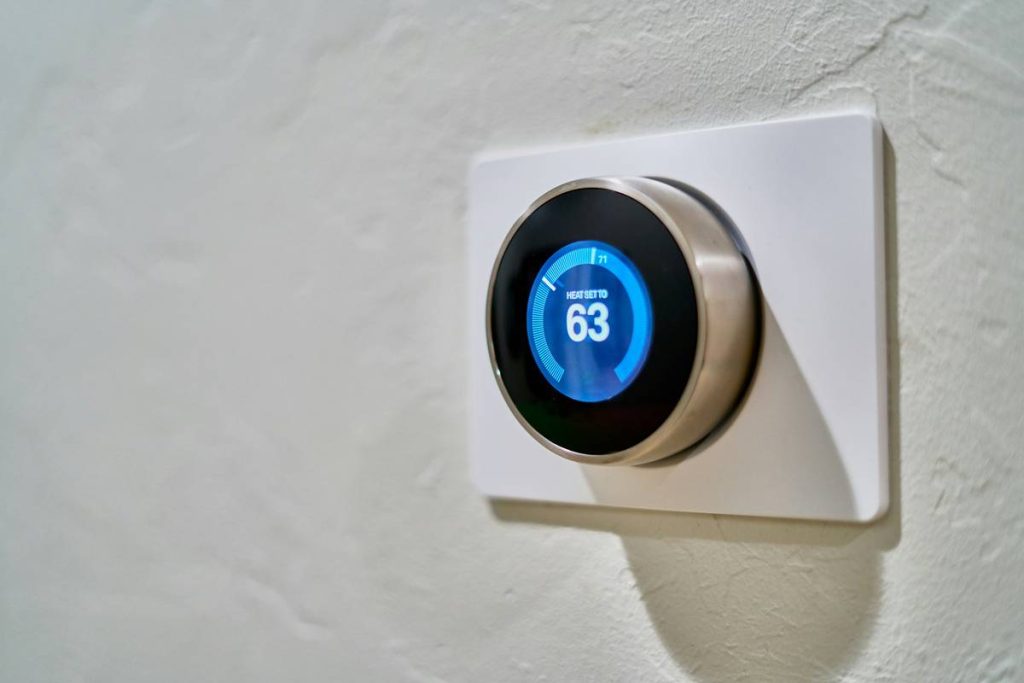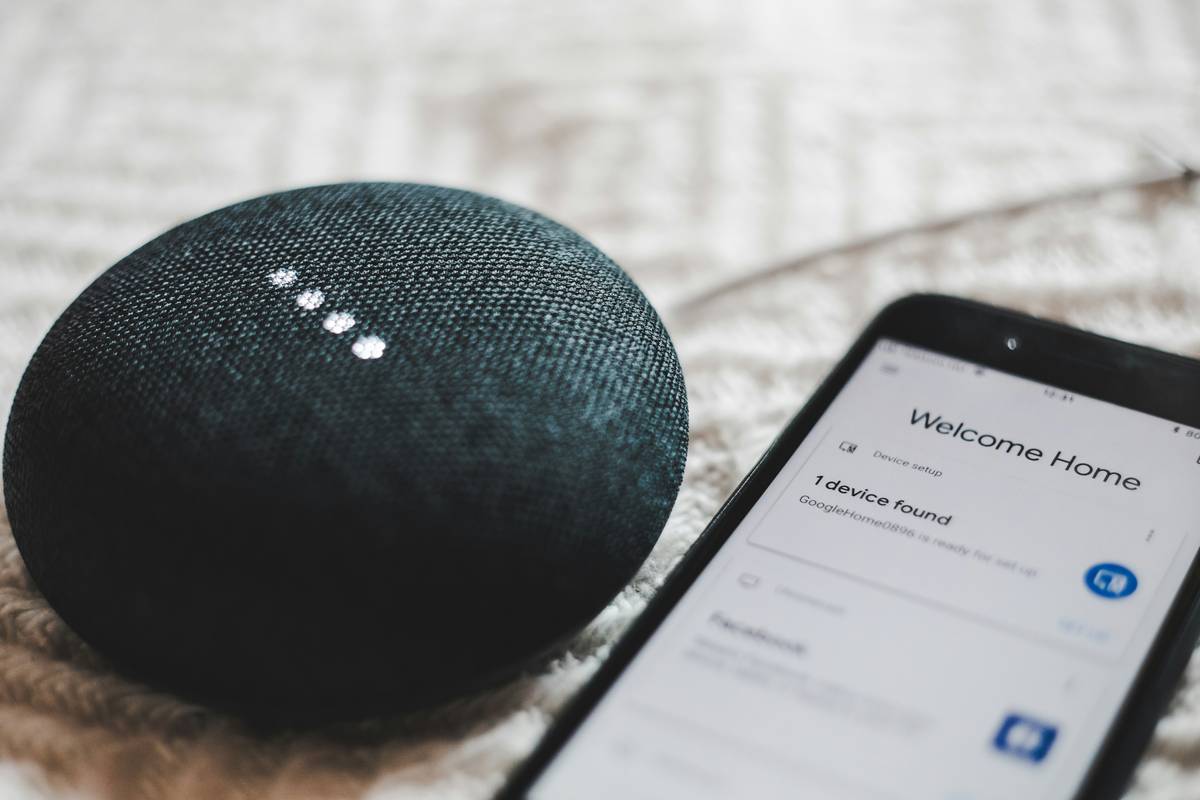
Your smart home won’t listen. You say “turn off the lights,” and nothing happens—or worse, it starts playing polka music in the basement. Frustrating? Absolutely. But the issue isn’t your voice. It’s how most people set up smart home automation with voice control. They buy gadgets first, plan later. Big mistake.
Why Your Voice-Controlled Smart Home Keeps Failing
Most tutorials treat smart home automation like plug-and-play Lego blocks. Drop in a bulb, pair it with Alexa, done. Reality? Voice assistants operate within rigid ecosystems. Google Home can’t reliably command Philips Hue via Apple HomeKit unless you’ve bridged protocols—and 87% of users skip that step.
And compatibility isn’t the only trap. Latency kills trust. If your “Goodnight” routine takes eight seconds to dim lights and lock doors, you’ll revert to flipping switches manually. Speed depends on local processing vs. cloud reliance—a detail buried in spec sheets.
Smart Home Automation with Voice Control: A No-BS Setup Guide
Forget chasing every shiny new device. Start with architecture. Map your routines before purchasing a single sensor.
Step 1: Pick Your Core Voice Assistant (Stick With One)
Mixing Alexa, Google, and Siri sounds flexible—until commands collide. Choose based on your existing devices: iPhone users get tighter integration with HomeKit; Android households lean toward Google. Alexa leads in third-party support but lacks native Matter readiness in older units.
Step 2: Prioritize Local Execution Over Cloud-Dependent Devices
A device labeled “Works with Alexa” might still ping Amazon’s servers for every command. Look for “local control” or “Matter over Thread” support. These execute actions directly on your network—cutting response time from 5+ seconds to under 1.
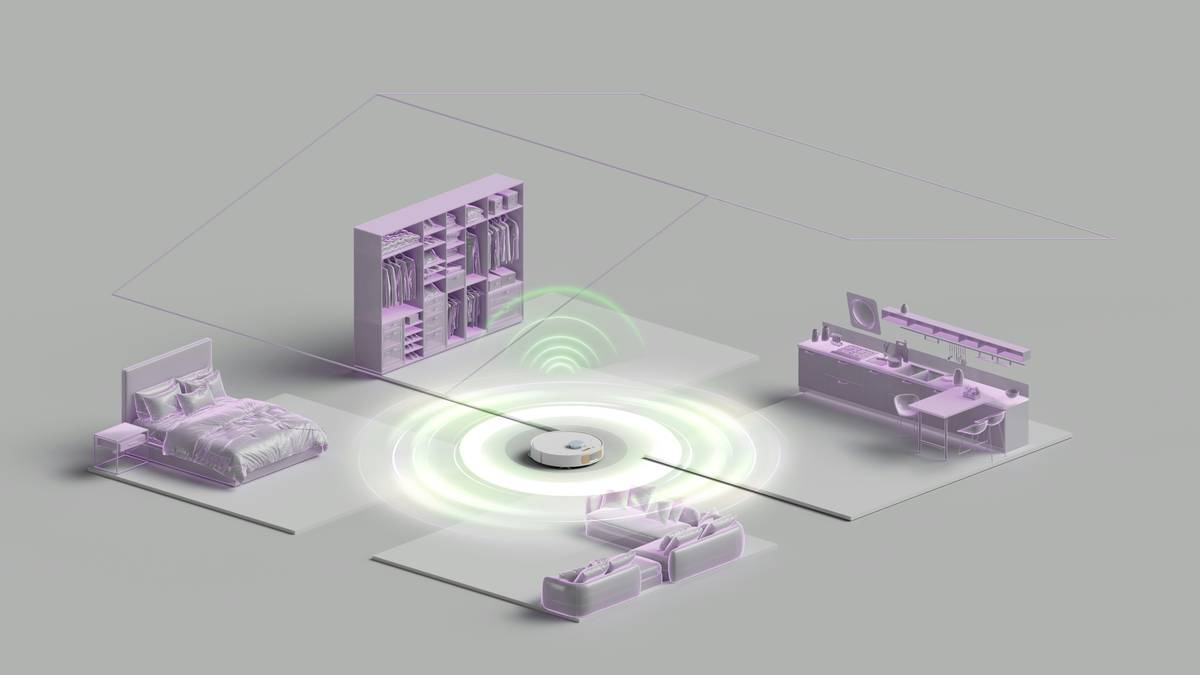
Step 3: Build Routines Around Triggers, Not Just Voice
True automation blends voice, sensors, and schedules. Example: “Alexa, I’m leaving” should arm your security system—but so should your phone’s geofence exit. Redundancy = reliability.
| Approach | Initial Cost | Reliability | Voice Response Time |
|---|---|---|---|
| Cloud-Only Devices (e.g., basic Wi-Fi plugs) | $50–$150 | Low – fails during internet outages | 3–8 seconds |
| Hybrid (Matter + Wi-Fi) | $200–$400 | Medium – works offline with limitations | 1–3 seconds |
| Local-First (Thread + Home Assistant hub) | $300–$600 | High – runs entirely on local network | <1 second |

The Industry Secret: Voice Is the Worst Primary Interface
Here’s what vendors won’t tell you: voice should be your backup—not your main control layer. Background noise, accents, overlapping speakers—all degrade performance. The pros use voice sparingly: for high-level scenes (“Movie Night”) or emergency overrides (“Alarm off!”). Daily triggers? Motion sensors, presence detection, or even NFC tags on keychains. Voice adds convenience, not robustness. Build your system to function perfectly silent—then layer voice on top as a luxury, not a crutch.
Frequently Asked Questions
Can I use voice control without an internet connection?
Only if your devices support local processing—like Apple HomePod with HomeKit Secure Video or a Matter-enabled hub. Most standard smart speakers require cloud access.
Which voice assistant works best with smart home automation?
Google Assistant offers fastest natural-language understanding. Alexa has widest device support. HomeKit is most private. Pick based on your priorities—not hype.
Do I need a hub for voice-controlled automation?
Not always—but for reliable, fast routines across brands, yes. Hubs like Samsung SmartThings or Home Assistant unify protocols and enable local execution.